
Tubi Not Available in Your Area? How to Watch From Anywhere


 3 min. read
  Updated on
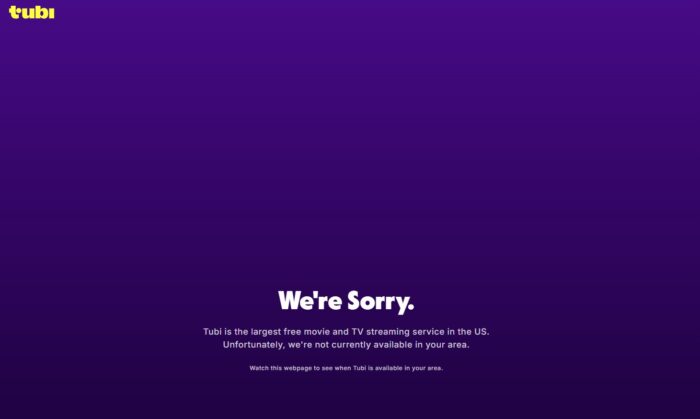
Seeing the “We’re Sorry. Tubi is not available in your area.” error message means that Tubi has geo-blocked access based on your location. However, you can bypass this instantly with a reliable VPN (yes, we have tested it, and yes, it works). Below, we’ll show you how to unblock Tubi anywhere in the world using a few quick steps.
Table of contents
Why Is Tubi Not Available in My Region?
Tubi restricts access based on your IP address. If you’re outside the U.S., the service shows an error screen. This happens when:
- You’re living or traveling abroad
- Your IP is flagged as non-U.S.
- Tubi updated its geo-filters recently
How to Fix “Tubi Not Available in Your Area” error message?
1. Use a VPN to Get a U.S. IP Address
A VPN (Virtual Private Network) masks your actual location and assigns you a U.S.-based IP. We usually work with a wide range of VPNs, but for this one, we have chosen to use PIA VPN, as it has servers in each US state, and we recommend below to connect exactly to a US server.
2. Choose a VPN That Works with Tubi
Not every VPN gets past Tubi’s geo-blocks. You can check here what to do if Tubi TV is not available and if you are using a VPN to unblock it, but having issues – how to fix Tubi not working with a VPN on.
3. Step-by-Step to Unblock Tubi:
Time needed: 7 minutes
Connect to a server based in the United States: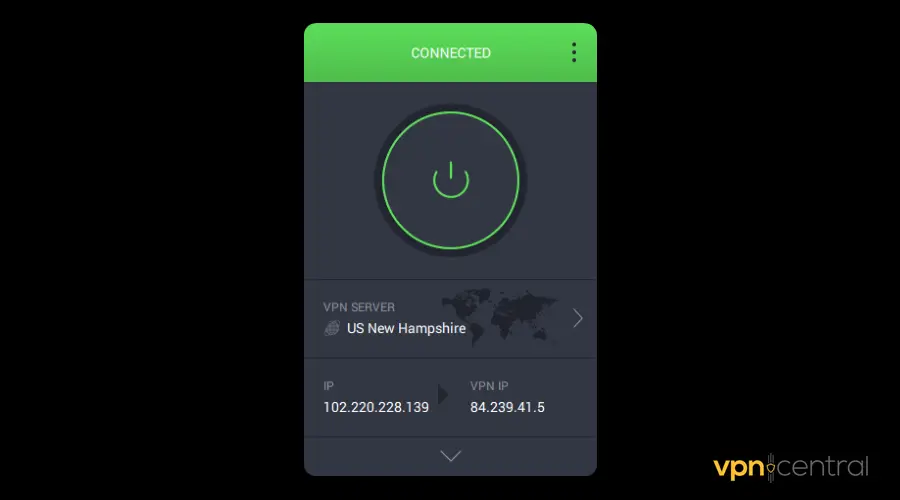
Depending on yoiur favorite browser, you will have to get to the “Clear cookies and cache” option and hit the “Clear” button. But this shall help your Browser access Tubi again as if you were in the US.
Open tubitv.com and refresh the page (try a Shift+F5 or the hard Refresh combination on your PC/laptop)
4. Still Blocked? Try This:
- Switch to another U.S. server
- Use incognito/private browsing mode
- Disable GPS/location permissions
- Restart your device
Does Tubi Allow VPNs?
Tubi doesn’t officially support VPN use, but it doesn’t block VPNs outright either. Most users access the platform from abroad using VPNs safely. Just avoid:
- Suspicious free VPNs
- Streaming via shared or flagged IP addresses
FAQs
Yes. VPNs are legal in most countries, and streaming U.S.-licensed content for personal use doesn’t break the law.

Access content across the globe at the highest speed rate.
🔥 Save 81% + 2 bonus months! 🔥
70% of our readers choose Private Internet Access
70% of our readers choose ExpressVPN
2
Browse the web from multiple devices with industry-standard security protocols.
🔥 Save 73%! 🔥

Faster dedicated servers for specific actions (currently at summer discounts)
🔥 Save 69%! 🔥
Tubi may have blocked your VPN’s IP. Try another server or switch providers.
Almost all: Windows, Mac, iOS, Android, Smart TVs, Firesticks, even routers.
Final Tip
If you want reliable access to Tubi, stick to a premium VPN with proven streaming support. You’ll avoid blocks, buffering, and annoying region errors, all while unlocking thousands of free movies and shows from anywhere.


Read our disclosure page to find out how can you help VPNCentral sustain the editorial team Read more


Improve this guide




User forum
0 messages