
Hackers mimic LastPass support email to steal vault passwords


 3 min. read
  Published on
LastPass warned customers about a new phishing campaign that began around March 1, 2026. Attackers send fake “forwarded email threads” that look like internal support conversations and try to scare users into “locking” their vault or “revoking” a device. The links push victims to a fake SSO page that steals credentials, with verify-lastpass[.]com serving as the main collection domain.
LastPass says the attackers rely on display name spoofing, so many inboxes show “LastPass Support” even though the real sender address comes from unrelated domains. Mobile mail apps make this trick easier because they often hide the real sender address until the user expands it.

Access content across the globe at the highest speed rate.
70% of our readers choose Private Internet Access
70% of our readers choose ExpressVPN

Browse the web from multiple devices with industry-standard security protocols.

Faster dedicated servers for specific actions (currently at summer discounts)
LastPass also says its systems have not suffered an impact from this activity. The risk comes from users entering their master password on the fake login page.
What the phishing emails look like
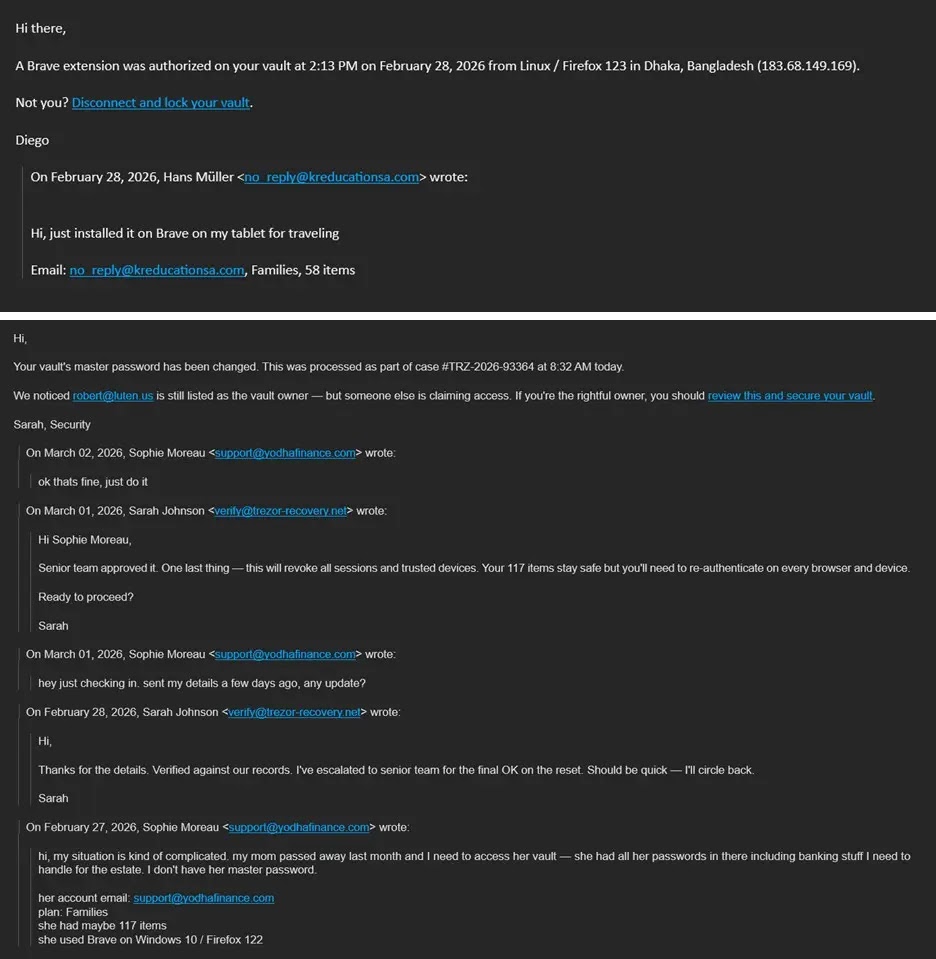
Attackers craft messages to mimic an ongoing support chain about suspicious activity such as vault export, full account recovery, or a new trusted device. The email then asks the recipient to take action through buttons like “report suspicious activity,” “disconnect and lock vault,” or “revoke device.”
BleepingComputer reports that the emails often mimic an internal conversation about a request to change the account’s primary email address, then urge the victim to click quickly.
Key indicators at a glance
| Indicator | What you might see | Why it matters |
|---|---|---|
| Display name spoofing | “LastPass Support” as the sender name | The real sender address may not belong to LastPass |
| Fake internal thread | “Re:” or “Fwd:” style chain | Attackers use this to create urgency |
| Credential collection hub | Links that route to verify-lastpass.com | LastPass says it serves as the primary credential collection URL |
| Multiple lookalike URLs | Same link with trailing numbers | Attackers use variants to evade simple URL filters |
| Urgent “security” actions | “Lock vault,” “revoke device,” “report activity” | Attackers push rapid clicks over verification |
How the attack works
- The attacker sends a fake support thread and spoofs the display name to look like LastPass.
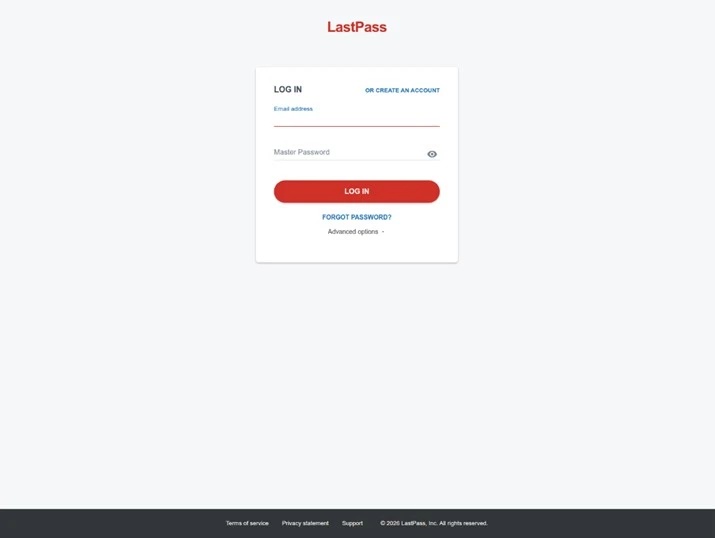
- The victim clicks a link that redirects to a fake LastPass SSO page hosted behind
verify-lastpass.com. - The victim enters the master password, and the attacker captures it and can attempt to access the vault.
What to do if you receive one of these emails
- Do not click the email links. Type LastPass’s web address manually or use your saved bookmark instead.
- Expand the sender field and check the full sending address, especially on mobile clients.
- Forward the message to [email protected] so the LastPass TIME team can investigate and support takedowns.
- If you already entered your master password on a suspicious page, change it immediately from the real LastPass site and review account security settings.
Why this campaign works so well on mobile
LastPass says the attackers count on mail clients, especially mobile ones, that show only the sender’s display name by default. Users often trust the name and skip the step of expanding the sender field to see the real address.
FAQ
No. LastPass says the campaign has no impact to LastPass systems, and the threat comes from credential theft through phishing pages.
LastPass tells customers to submit suspicious LastPass-branded emails to [email protected].
No. LastPass says no one at LastPass will ever ask for your master password.
LastPass says the links direct targets to fake SSO login pages with verify-lastpass.com as the primary credential collection URL.


Read our disclosure page to find out how can you help VPNCentral sustain the editorial team Read more


Improve this guide




User forum
0 messages