
VPN Not Blocked by School: Top Working Picks


 6 min. read
  Updated on
School networks often block VPNs to limit access to games, streaming, or social apps. Some VPNs still work reliably thanks to stealth technology and smart routing. This guide explains how schools block VPNs, what features help you bypass those blocks, and which VPNs consistently connect on campus WiFi.
Table of contents
Before you start
- Follow your school’s acceptable use policy. Bypassing filters can have consequences. Use a VPN for privacy and legitimate access only.
- Install and sign in to your VPN app at home or on mobile data first, in case downloads are blocked on campus WiFi.
- Turn on obfuscation or “stealth” mode in the VPN app if available. This disguises VPN traffic as regular HTTPS.
- If one protocol fails, try another (for example, switch from WireGuard to OpenVPN TCP on port 443).
- Have a backup connection (phone hotspot) in case the network blocks new installs or updates.
The best VPNs that usually work on school WiFi
NordVPN – Best for Stealth and Reliability
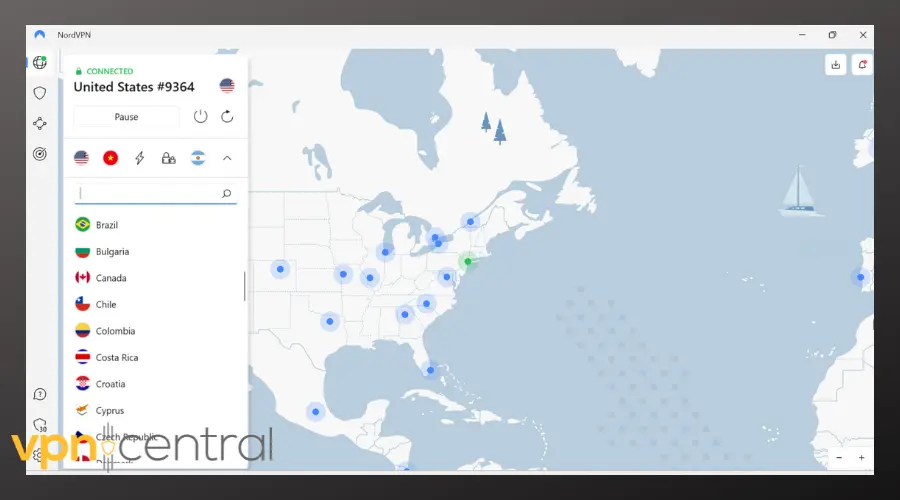
NordVPN is a strong choice for bypassing school blocks thanks to its obfuscated servers, which make your VPN traffic look like regular HTTPS. It also offers NordLynx for speed and OpenVPN TCP 443 for stability. With apps on all major platforms and a strict no-logs policy, it balances privacy with performance.

Access content across the globe at the highest speed rate.
🔥 Save 81% + 2 bonus months! 🔥
70% of our readers choose Private Internet Access
70% of our readers choose Private Internet Access
2
Browse the web from multiple devices with industry-standard security protocols.
🔥 Save 73%! 🔥

Faster dedicated servers for specific actions (currently discounted)
🔥 Save 69%! 🔥

NordVPN
Try NordVPN to stay connected even on restricted school WiFi.ExpressVPN – Best for Ease of Use
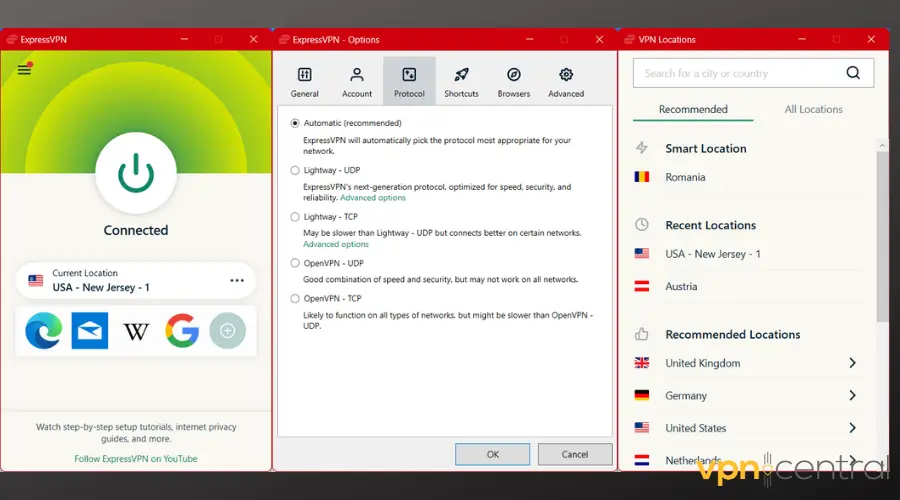
ExpressVPN is ideal if you want a simple, hassle-free solution. It automatically switches protocols when one is blocked, so you don’t have to tweak settings. The Lightway protocol ensures fast connections, while OpenVPN TCP 443 provides a reliable fallback. Its user-friendly apps make it great for beginners.

ExpressVPN
Get ExpressVPN if you want a VPN that just works on school networks.Surfshark – Best for Unlimited Devices
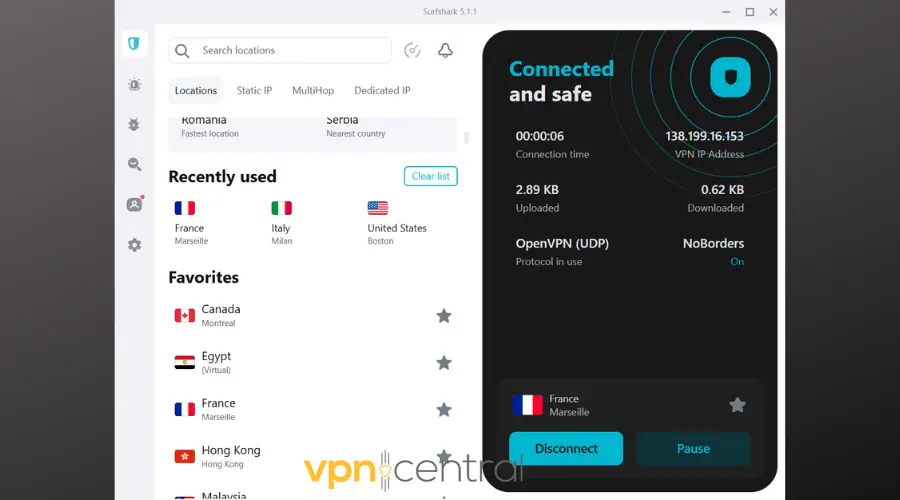
Surfshark stands out because it lets you protect unlimited devices with one subscription. Its NoBorders mode activates when restrictions are detected, while Camouflage mode disguises VPN traffic to beat DPI. Affordable and privacy-focused, it’s a smart pick for students with multiple devices.

Surfshark
Choose Surfshark to keep all your devices secure at school.Private Internet Access (PIA) – Best for Customization
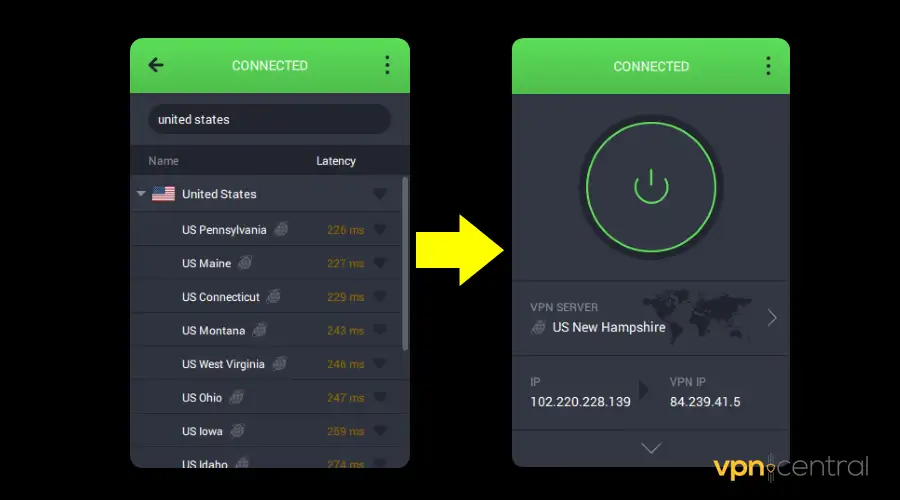
PIA is perfect if you like control. It supports Shadowsocks, multiple ports, and custom configurations to sneak past VPN bans. This flexibility helps when school WiFi is aggressively filtered. Plus, it allows unlimited device connections, making it a versatile option for students.
PIA
Use PIA if you want advanced settings to outsmart school firewalls.Proton VPN – Best for Privacy-Focused Users
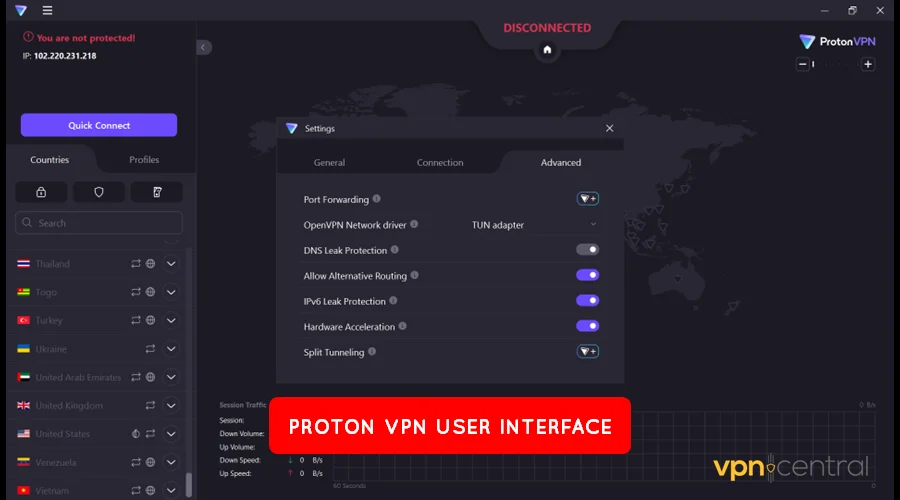
Proton VPN is built with privacy at its core. Its Stealth protocol reshapes VPN traffic to look like standard TLS encryption, helping it slip through the toughest firewalls. Backed by the creators of ProtonMail, it also offers WireGuard and OpenVPN support with transparent no-logs policies.

Proton VPN
Pick Proton VPN if privacy and stealth are your top priorities.How to set up a VPN that isn’t blocked on school WiFi
- Install and sign in off campus. Use home WiFi or mobile data to download the app, create your account, and sign in.
- Enable stealth or obfuscation. Turn on obfuscation or stealth mode in the settings.
- Switch to OpenVPN TCP on port 443. This makes your traffic look like regular secure web traffic.
- Try multiple servers and regions. Some IP ranges are blocked more than others.
- Rotate ports or use fallback options. Many apps auto-detect open paths.
- Clear captive portal friction. Log in to school WiFi first, then enable VPN.
- Test and verify. Confirm that your sites and apps load normally.
Why schools block VPNs (and how to beat common filters)
Schools use many of the same techniques found in workplaces or even governments. For instance, deep packet inspection is one of the most common methods when a VPN at work is blocked. Similar tactics apply on school WiFi.
- Deep Packet Inspection (DPI): Firewalls recognize VPN signatures. Fix: use obfuscation or stealth protocols.
- Port blocks: Common VPN ports like 1194 are closed. Fix: use TCP 443.
- IP or ASN blocks: Known VPN IP ranges get blacklisted. Fix: switch servers frequently.
- Captive portals: WiFi logins break tunnels. Fix: complete login before reconnecting VPN.
- App store restrictions: Installers and updates are blocked. Fix: install at home or with mobile data.
Quick tips for fewer blocks
If you’re curious about limits outside schools, governments can sometimes enforce restrictions, and it’s worth learning whether the government can block a VPN in your country.
- Prefer TCP 443 when networks are strict.
- Keep your VPN app updated.
- Use split tunneling if one app misbehaves under the VPN.
- Avoid heavy streaming or torrents on school WiFi.
- Learn about tunnel types to pick the right protocol when blocked.
Router restrictions are another factor. Some networks are designed so that VPNs blocked on routers can’t even establish a handshake. That’s when stealth and custom port options matter most.
When a full VPN won’t install or connect on campus WiFi, use an unblocked school proxy for browser-only access.
Troubleshooting: VPN connects but something is still blocked
If you find yourself completely locked out, the first step is to learn how to bypass VPN blocks effectively. This may include protocol switching or using obfuscation modes.
- Messaging or social app fails: Switch servers and protocols. If the app still refuses, review app-specific guidance.
- Downloads don’t start: Some campuses throttle P2P.
- No internet after connecting: Toggle DNS leak protection or switch servers. Complete the captive portal if needed.
- App store blocked: Install off campus or update via hotspot.
On public hotspots, issues can also appear. If you’ve ever noticed that you can’t connect to a VPN on public WiFi, the same network-level filtering could be in play at school.
FAQs
VPNs are legal in most countries, but schools can restrict them by policy. Review your student handbook and follow the rules.
They may detect traffic patterns unless you use stealth or obfuscation.
OpenVPN TCP 443 is the most reliable fallback.
Conclusion
School WiFi blocks VPNs with DPI, port filtering, and blacklists. A capable provider with stealth options, TCP 443 support, and a large server pool can still connect reliably. Start with obfuscation enabled, test multiple servers, and fall back to OpenVPN TCP on 443. Use it responsibly and in line with school policy, and you’ll regain secure access when you need it.


Read our disclosure page to find out how can you help VPNCentral sustain the editorial team Read more


Improve this guide




User forum
0 messages