
Will VPN Help With Ping? Gaming Lag Guide


 9 min. read
  Updated on
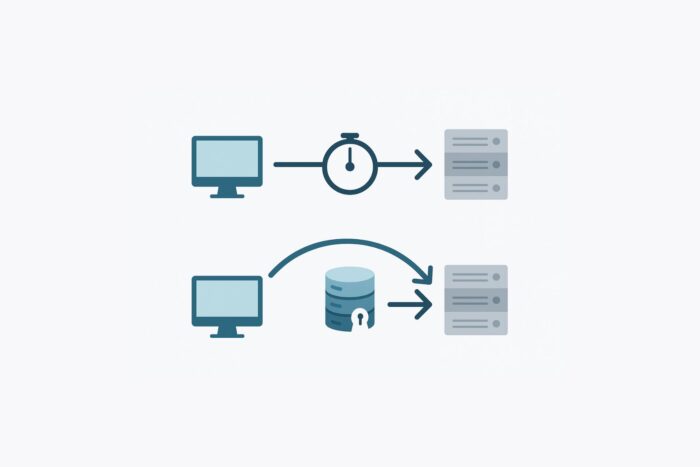
Wondering if using a VPN can improve your ping and make it lower? This guide explains how VPNs impact latency in online gaming and networking.
Learn when a VPN might reduce lag (by rerouting or bypassing throttling) and when it will likely increase ping. Get practical tips, pros/cons, and FAQs with expert insights.

Access content across the globe at the highest speed rate.
🔥 Save 81% + 2 bonus months! 🔥
70% of our readers choose Private Internet Access
70% of our readers choose Private Internet Access
2
Browse the web from multiple devices with industry-standard security protocols.
🔥 Save 73%! 🔥

Faster dedicated servers for specific actions (currently discounted)
🔥 Save 69%! 🔥
Table of contents
- Quick Answer
- Best VPNs for Low Ping – Quick Overview
- How Ping Works and Why It Matters
- When a VPN Can Lower Your Ping
- When a VPN Will Increase Your Ping
- How to Test VPN Impact on Ping
- Direct Connection vs. VPN: Key Differences
- Tips to Get the Best Ping with a VPN
- Detailed VPN Picks for Lower, More Stable Ping
- Conclusion
Quick Answer
A VPN can reduce ping only if it fixes bad routing or throttling. Choose nearby servers and fast protocols (WireGuard/Lightway). Otherwise, expect slightly higher latency but often more stable ping.
Best VPNs for Low Ping – Quick Overview
Here’s a snapshot of top VPNs for gamers and streamers. We’ll give you more details about how they perform later in this guide.
| VPN | Why It’s Good for Ping |
|---|---|
| NordVPN | Super-fast NordLynx protocol, strong global coverage, optimized routing for gaming servers. |
| CyberGhost | 11,000+ servers, gaming-optimized profiles, easy location selection for low-latency matches. |
| ExpressVPN | Lightway protocol ensures fast, stable connections; excellent reliability worldwide. |
| Private Internet Access (PIA) | Huge server network, WireGuard support, customizable settings for performance tuning. |
| VPN Unlimited | Solid regional server options, WireGuard support, useful load indicators for optimal routing. |
| ProtonVPN | Transparent server load stats, strong WireGuard speeds, Secure Core for added stability. |
How Ping Works and Why It Matters
Online gamers and streamers often ask: “Can a VPN make my ping lower?” The short answer is sometimes, but not always. A VPN can only improve latency (ping) under specific conditions – such as fixing a bad ISP route or avoiding throttling – and it can also add overhead that tends to increase ping.
Now let’s dig deeper. In this section we’ll explain how VPNs affect ping, when they can help, when they hurt, and what you can do to optimize your connection.
Ping is a measure of latency: the time (in milliseconds) it takes for a data packet to travel from your computer to a server and back. In gaming, lower ping means faster responsiveness. For example, under 50 ms is excellent for action games, while above 100 ms can introduce noticeable lag.
Ping depends on factors like physical distance, network hops, and congestion. Long distances or multiple router hops increase ping, as does heavy network traffic. A VPN introduces its own factors: encryption overhead and the VPN server’s location on the network path.
If your connection already feels sluggish, it may not be latency but general connectivity issues. In that case, you might want to check if a VPN could make things worse, see whether a VPN can cause internet problems.
When a VPN Can Lower Your Ping
While VPNs aren’t primarily designed for reducing latency, they can help in certain situations.
Better Network Routing
Your ISP might route data through congested or longer paths. A high-quality gaming VPN can bypass that by routing traffic through its backbone. If the VPN has an optimized network, it may connect you via a shorter, faster path to the game server.
Avoiding ISP Throttling
Some ISPs throttle (slow down) specific traffic, such as gaming or streaming, during peak times. A VPN encrypts your traffic, hiding its content from the ISP. This prevents the ISP from recognizing and throttling gaming packets.
Connecting to Closer Game Servers
Many online games match you to servers based on your IP (location). If your nearby servers are overloaded or distant, using a VPN server in a nearby country can connect you to a different region’s game server with better performance.
Protection From DDoS Attacks
Although not directly reducing ping, VPNs protect against Distributed Denial of Service attacks that can spike latency. By hiding your real IP behind the VPN, attackers cannot target you with lag-inducing traffic. For more on this, see how a VPN can help stop hackers from targeting your connection.
When a VPN Will Increase Your Ping
For most users, a VPN adds a bit of latency.
Extra Routing Hops
A VPN adds at least one extra hop (your device → VPN server → game server). Even if the VPN server is near you, data must travel through it and be encrypted/decrypted. This usually means slightly higher ping than a direct connection.
Server Distance
If you connect to a VPN server far from your location or game server, the added distance can significantly increase ping. Always choose a VPN server region as close as possible to the game’s server.
Server Load & Protocol Choice
A busy VPN server or a slower VPN protocol (e.g., older OpenVPN) can introduce extra latency. Premium gaming VPNs often use lightweight protocols like WireGuard or Lightway that minimize overhead.
Encryption Overhead
Encryption itself adds a small processing delay. Modern hardware and protocols make this very small (a few ms), but it still adds up. Some providers can also add extras like ad/malware blocking; if that’s what you need, read will a VPN block ads to decide if it fits your setup.
How to Test VPN Impact on Ping
- Check current ping: Use in-game tools or Speedtest to ping your game’s region. Note average and spikes.
- Connect to a VPN server: Choose a server in the same country/region as the game. Use a fast protocol (WireGuard/Lightway).
- Test again: Ping the same game server while on VPN. If ping improved or stabilized, keep that server; if it increased, try another location or protocol.
Direct Connection vs. VPN: Key Differences
| Factor | Direct Connection | VPN Connection |
|---|---|---|
| Routing | Uses ISP’s path to game server (may be indirect or congested). | Can choose VPN network’s route; may find a more efficient path. |
| Distance | Only distance from you to game server. | Distance = you → VPN server + VPN server → game server (often increases latency). |
| Encryption Overhead | None beyond game security. | Adds encryption/decryption, usually increasing ping slightly. |
| ISP Throttling | Traffic visible to ISP; can be limited or deprioritized. | VPN hides traffic; can bypass throttling and restore stable speeds. |
| Security / DDoS | Exposed to attacks and tracking. | Hidden IP; VPN protects against DDoS and snooping. |
| Ping Impact | Baseline depends on ISP routing and congestion. | Typically higher, unless VPN bypasses issues or stabilizes routing. |
Tips to Get the Best Ping with a VPN
- Use a wired Ethernet connection.
- Select a VPN server close to your game’s region.
- Prefer fast protocols (WireGuard/Lightway/IKEv2).
- Try split tunneling for game traffic only.
- Close background downloads/streams.
- Test during off-peak hours and compare results.
If you’re also worried about online safety, remember a VPN complements antivirus and doesn’t stop malware by itself — see whether a VPN protects your PC from viruses for the right stack.
Detailed VPN Picks for Lower, More Stable Ping
NordVPN
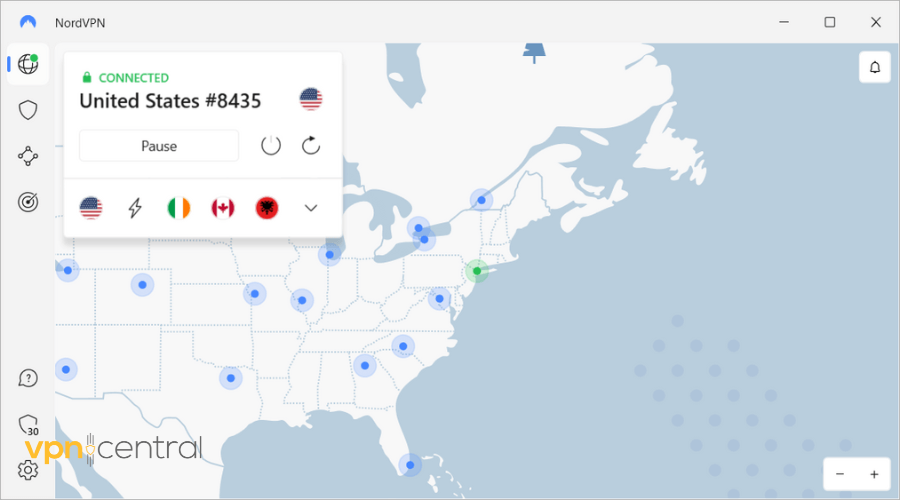
NordVPN’s NordLynx (WireGuard) consistently delivers low-latency performance with excellent routing across regions. Its vast fleet and strong peering keep jitter down, while city-level options help you match the game region precisely. Features like Meshnet and threat blocking add stability without much overhead, making it a standout for competitive gaming and cross-region matchmaking.

NordVPN
Boost gaming speed with NordVPN’s low-latency serversCyberGhost

CyberGhost offers an enormous server list and task-based profiles that make it easy to pick locations tuned for gaming or streaming. With WireGuard available, setup is quick and latency is consistent. City-level choices help you experiment across nearby regions to find the lowest ping while avoiding congested routes during peak hours.

CyberGhost
Play lag-free with CyberGhost’s gaming-optimized serversExpressVPN
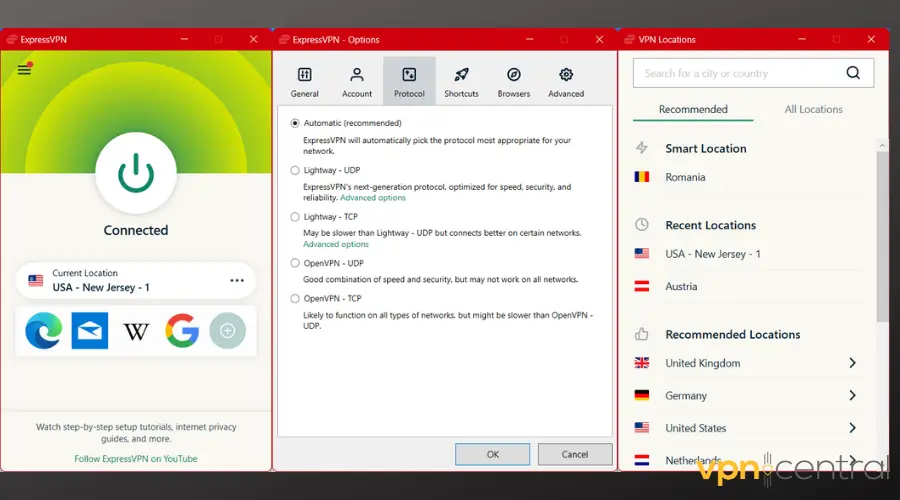
ExpressVPN’s Lightway protocol is designed for speed and stability, keeping latency tight even across long distances. Its premium backbone and reliable regional coverage make it a strong pick for travelers who game on different continents. Expect fast handshakes, consistent packet delivery, and easy city swapping to find that sweet-spot server.

ExpressVPN
Get smoother gameplay using ExpressVPN’s Lightway protocolPrivate Internet Access (PIA)
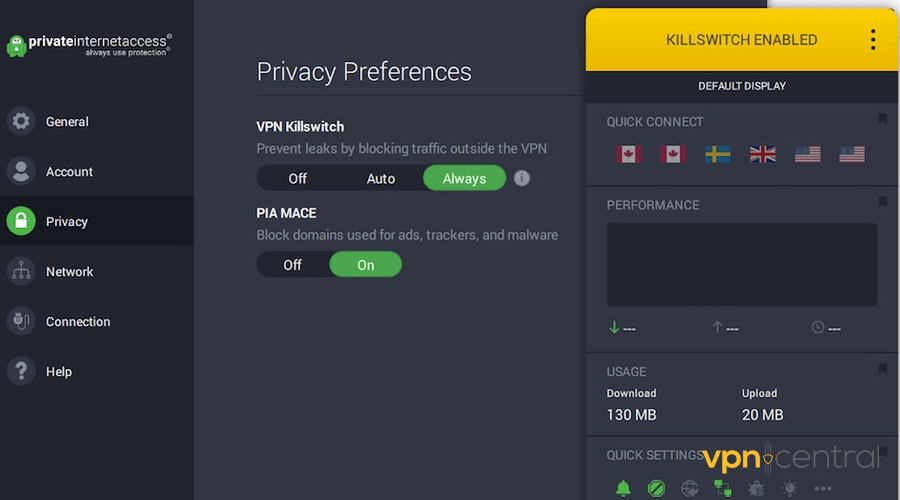
PIA combines WireGuard performance with granular configuration (MTU, encryption options) so you can fine-tune for latency. Its vast city coverage helps you align to specific game servers. Port forwarding and robust apps round out a strong value pick for gamers who want control and broad region access without sacrificing stability.

Private Internet Access
Reduce gaming lag with PIA’s powerful WireGuard networkVPN Unlimited
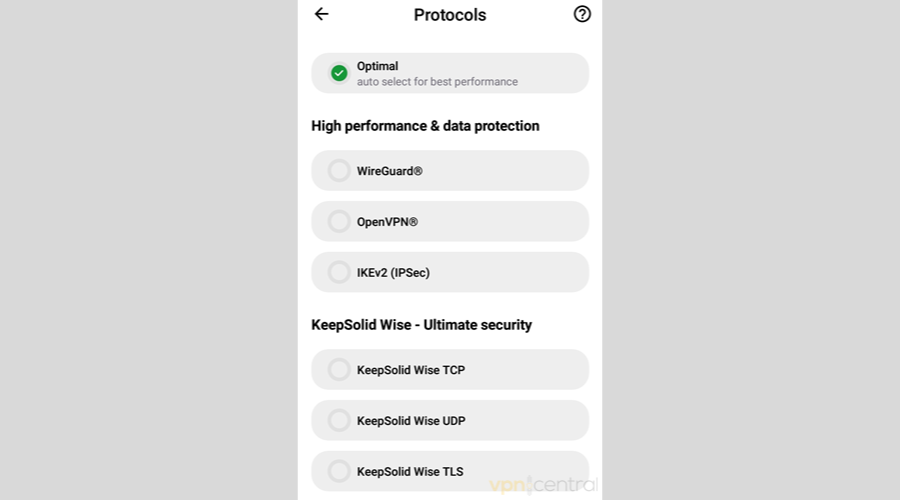
VPN Unlimited supports WireGuard and offers practical regional coverage for steady gaming sessions. It’s straightforward to test multiple nearby nodes and pick the lowest-load option. While not the flashiest, it provides dependable day-to-day routing that can smooth mild jitter and keep round-trip times predictable.

VPN Unlimited
Stabilize your ping with VPN Unlimited todayProtonVPN
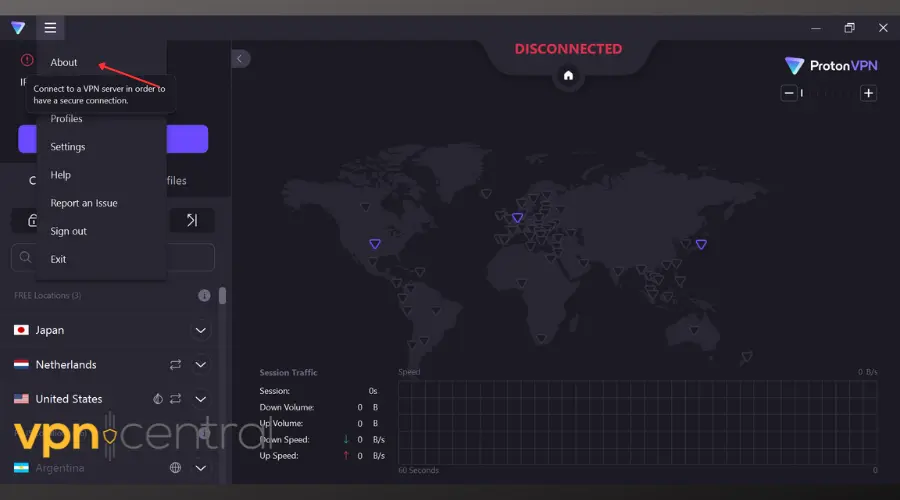
ProtonVPN pairs WireGuard speeds with transparent server load metrics, making it easy to choose the least congested path. Its network performs well for cross-border play, and optional Secure Core adds resilience (use standard routing for the lowest ping). Clean apps and clear telemetry help you A/B test locations quickly.

ProtonVPN
Find the lowest-latency server with ProtonVPNConclusion
Using a VPN can help with ping when it fixes poor routing or bypasses throttling; otherwise, it may add a small amount of latency. The most reliable approach is to test a provider’s fastest protocol and two or three nearby city servers that match your game’s region. Even when ping doesn’t drop, a VPN can stabilize jitter and protect you from attacks.


Read our disclosure page to find out how can you help VPNCentral sustain the editorial team Read more


Improve this guide




User forum
0 messages