
Proxy for Telegram Desktop: Best Options in 2026


 6 min. read
  Published on

Telegram is one of the most popular messaging platforms in the world, valued for its speed, security, and powerful group features. However, in some countries, Telegram access is restricted or heavily monitored. That is where proxies come in.
Using a proxy with Telegram Desktop helps bypass blocks and allows you to keep using the app without interruptions. With the right setup, you can connect securely and enjoy private conversations without exposing your IP address.

Access content across the globe at the highest speed rate.
🔥 Save 81% + 2 bonus months! 🔥
70% of our readers choose Private Internet Access
70% of our readers choose Private Internet Access
2
Browse the web from multiple devices with industry-standard security protocols.
🔥 Save 73%! 🔥

Faster dedicated servers for specific actions (currently discounted)
🔥 Save 69%! 🔥
In this article, we review the best proxies for Telegram Desktop in 2025, explain how they work, and help you choose the option that suits your needs.
Table of contents
- Best Proxy Services for Telegram Desktop
- Smartproxy (now Decodo) : Large IP Pool for Reliable Telegram Access
- Proxy-Store : Easy SOCKS5 Setup for Telegram
- Hide.me : Free Web Proxy for Quick Access
- Privoxy : Open Source Proxy for Custom Setup
- Soax : Rotating Residential Proxies for Stability
- Oxylabs : Enterprise Grade Proxy Network
- Geonode : Free and Paid Proxy Lists
- Best Proxies for Telegram Desktop Summary
- Conclusion
Best Proxy Services for Telegram Desktop
Smartproxy (now Decodo): Large IP Pool for Reliable Telegram Access
| IP Pool | 55M+ residential IPs |
| Pricing | From $7.5/GB |
| Protocols | SOCKS5, HTTPS |
| Coverage | 195+ locations |
| Strengths | Huge pool, great uptime |
Smartproxy, which recently rebranded as Decodo, remains one of the most popular proxy providers on the market.
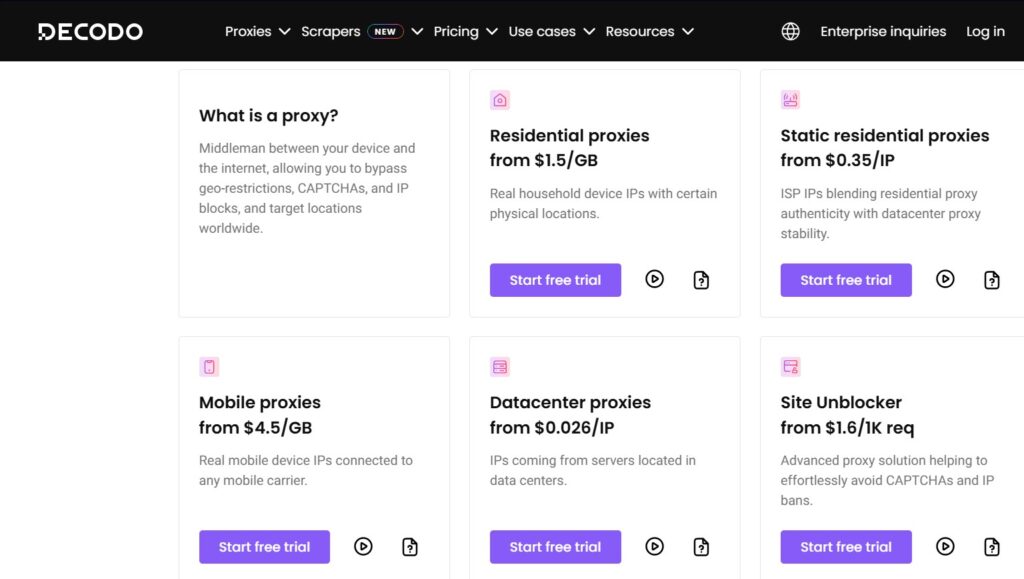
It offers a massive residential IP pool with support for both HTTPS and SOCKS5, making it a strong choice for configuring Telegram Desktop to bypass restrictions. The global coverage means you can always pick a location that works best, ensuring smooth access even in highly restrictive regions.
For broader use cases, you can explore the best SOCKS5 proxies that also integrate seamlessly with Telegram.
Pros 👍
- Massive IP pool
- Reliable uptime
- SOCKS5 support for Telegram
Cons ⚠️
- Paid service
- Free trial is limited

Decodo
Get started with Smartproxy (Decodo) for Telegram Desktop today.Proxy-Store: Easy SOCKS5 Setup for Telegram
| IP Pool | Thousands of IPs |
| Pricing | From $10/month |
| Protocols | SOCKS5 |
| Coverage | 40+ countries |
| Strengths | Focused on simple SOCKS5 use |
ProxyStore is a solid option for users who need SOCKS5 proxies for Telegram Desktop. It emphasizes simplicity, with a user friendly dashboard and straightforward integration instructions.
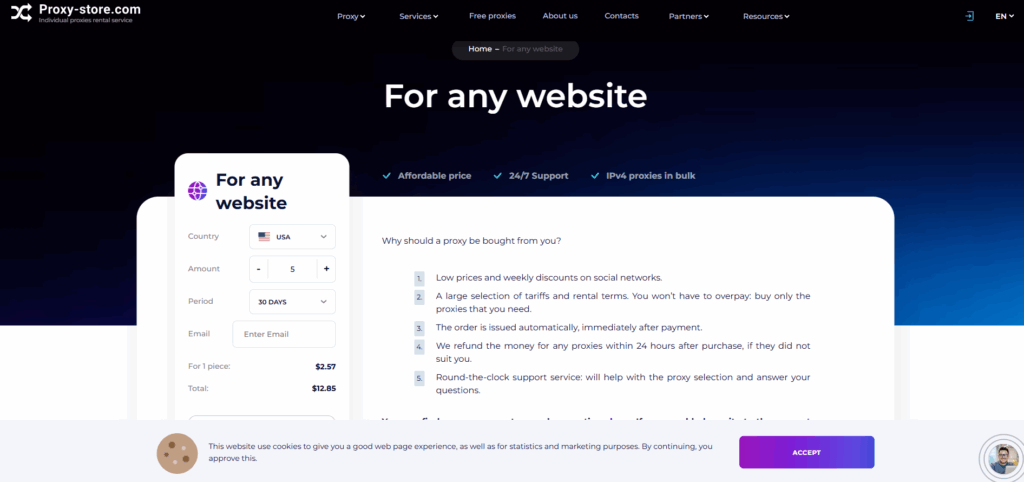
Telegram supports SOCKS5 natively, so you can plug ProxyStore credentials directly into the desktop app.
Since SOCKS5 is widely used across apps, some users also check guides like proxy for Chrome or proxy for Edge for extra coverage.
Pros 👍
- SOCKS5 proxies made easy
- Affordable plans
- Stable connections
Cons ⚠️
- Smaller pool compared to top competitors
- Limited free options
Use Proxy-Store for simple SOCKS5 Telegram access.
Hide.me: Free Web Proxy for Quick Access
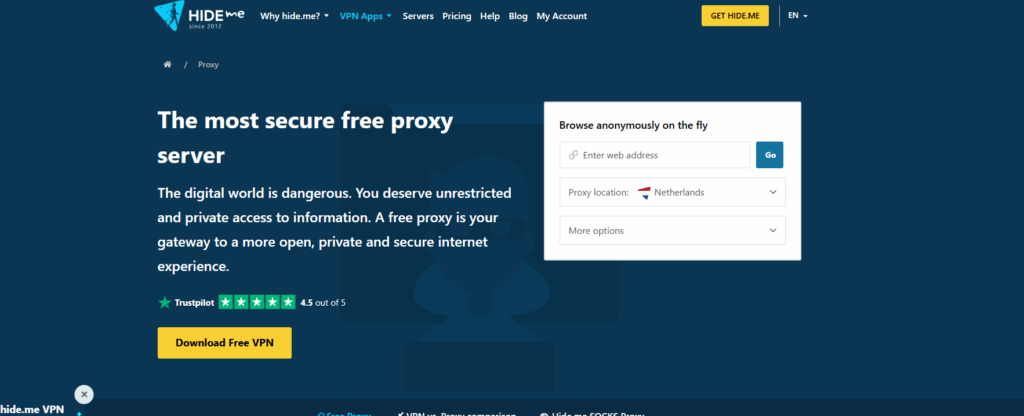
| IP Pool | Limited |
| Pricing | Free |
| Protocols | HTTP(S) |
| Coverage | A few server locations |
| Strengths | Beginner friendly |
Hide.me offers a free web proxy that can be used to reach Telegram’s web version or to test connections before you set up Telegram Desktop with more advanced proxies.
While not as reliable as SOCKS5 solutions, Hide.me is extremely simple and accessible.
If you want to experiment with more general free services, check the best proxy for free options available.
Pros 👍
- Free and accessible
- Works in browser instantly
- Easy to try
Cons ⚠️
- Limited speed and servers
- Not reliable for long term use
Try the Hide.me free proxy for Telegram access today.
Privoxy: Open Source Proxy for Custom Setup
| IP Pool | Self hosted |
| Pricing | Free, open source |
| Protocols | HTTP |
| Coverage | N/A |
| Strengths | High customization |
Privoxy is open source proxy software you can host yourself. For advanced users, it allows filtering, blocking trackers, and chaining with SOCKS5 proxies for Telegram Desktop. While it requires manual setup, it gives you full control over your proxy configuration.
If you want to expand beyond Telegram, Privoxy can also be used for setups like proxy for school Chromebook where lightweight control is needed.
Pros 👍
- Free and open source
- Great for customization
- Works well with SOCKS5
Cons ⚠️
- Requires technical knowledge
- Does not hide IP on its own
Download Privoxy and build your own proxy setup.
Soax: Rotating Residential Proxies for Stability
| IP Pool | 8.5M+ residential IPs |
| Pricing | From $6.99/day |
| Protocols | SOCKS5, HTTPS |
| Coverage | 120+ countries |
| Strengths | Clean, rotating IPs |
Soax is known for its clean residential proxy pool with rotating IPs. This makes it much harder for Telegram blocks to stick, since your IP changes frequently.
If you are in a country with strict Telegram censorship, Soax helps you stay connected without downtime.
For coding or automation tasks, you may also benefit from a rotating proxy for GitHub, which functions in a similar way.
Pros 👍
- Rotating IPs reduce blocking
- Large residential pool
- Flexible short term pricing
Cons ⚠️
- Expensive daily rates
- Requires setup for best results
Stay connected with Soax rotating proxies.
Oxylabs: Enterprise Grade Proxy Network
| IP Pool | 100M+ IPs |
| Pricing | From $300/month |
| Protocols | SOCKS5, HTTPS |
| Coverage | 180+ countries |
| Strengths | Professional grade reliability |
Oxylabs is a top tier provider with one of the largest proxy infrastructures available. While it is priced for enterprises, it offers unmatched reliability, speed, and geo distribution.
For Telegram Desktop, Oxylabs ensures you always have a working IP, even in highly restricted countries.
If you are handling data collection, consider pairing it with best scraper proxies for large scale automation.
Pros 👍
- Extremely reliable
- Huge global coverage
- Excellent speeds
Cons ⚠️
- Expensive for individuals
- Best suited for business use

Oxylabs
Choose Oxylabs if you need enterprise grade Telegram proxies.Geonode: Free and Paid Proxy Lists
| IP Pool | Tens of thousands |
| Pricing | Free tier, paid upgrades |
| Protocols | HTTP, HTTPS, SOCKS |
| Coverage | 140+ countries |
| Strengths | Easy filters and free access |
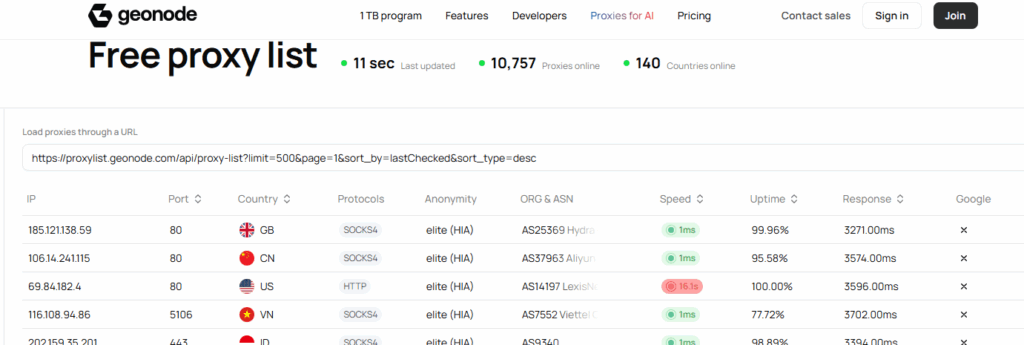
Geonode offers one of the largest free proxy lists, with options to filter by country, anonymity, and protocol.
It is a great starting point if you are experimenting with Telegram Desktop proxies without spending money. For reliability, the paid tier gives you better uptime and faster speeds.
If your concern is access in restricted locations, guides like proxy for Iran or a proxy not blocked are worth checking.
Pros 👍
- Free tier available
- Supports multiple protocols
- Wide country coverage
Cons ⚠️
- Free proxies are unstable
- Paid tier needed for consistency
Start testing with Geonode free proxies.
Best Proxies for Telegram Desktop Summary
| Provider | Strongest Feature | Best For | Protocols |
| Smartproxy (Decodo) | Huge IP pool | Reliable long term use | SOCKS5, HTTPS |
| ProxyStore | Easy SOCKS5 setup | Everyday Telegram users | SOCKS5 |
| Hide.me | Free access | Beginners, testing | HTTP(S) |
| Privoxy | Open source customization | Advanced users | HTTP |
| Soax | Rotating IPs | Censorship heavy regions | SOCKS5, HTTPS |
| Oxylabs | Enterprise grade | Businesses, professionals | SOCKS5, HTTPS |
| Geonode | Free tier | Budget conscious users | HTTP, HTTPS, SOCKS |
Conclusion
If Telegram is restricted in your country, guides like proxy for Telegram, best proxy for Windows, or best proxy for school can provide additional context. And if you just need casual browsing, a fast and easy to use web proxy or an unblocked YouTube proxy may work best.
Start by testing one of these proxy solutions, then decide which balances speed, stability, and privacy for your Telegram Desktop use.


Read our disclosure page to find out how can you help VPNCentral sustain the editorial team Read more


Improve this guide



User forum
0 messages