
Best VPNs for NVIDIA Shield TV & Pro in 2026 (Stream & Game Anywhere)


 6 min. read
  Published on
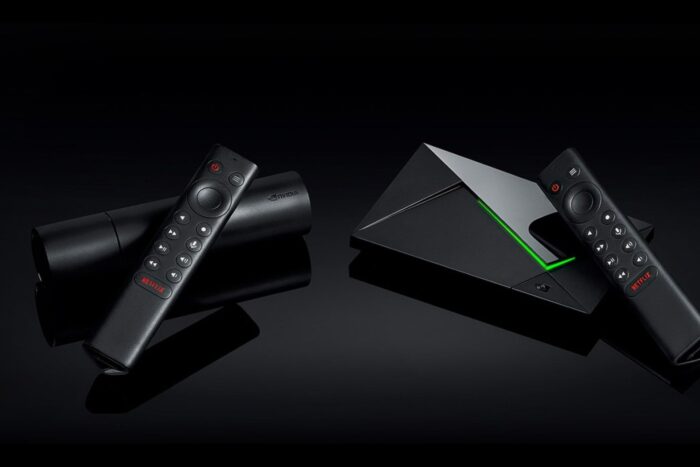
The NVIDIA Shield TV and Shield TV Pro are powerful Android-based streaming and gaming devices. They support 4K HDR, Dolby Atmos, and cloud gaming via GeForce NOW. To unlock full streaming libraries, reduce ISP throttling, and add privacy, pairing your Shield with a VPN is the most effective upgrade.
Table of contents
- Best VPNs for NVIDIA Shield TV and Shield TV Pro
- 1) ExpressVPN — Fastest streams and most reliable unblocking
- 2) NordVPN — High speed with SmartPlay for effortless streaming
- 3) Surfshark — Best value with unlimited devices
- 4) CyberGhost — Easiest setup with streaming-optimized locations
- 5) ProtonVPN — Best free entry point, stronger paid tier for 4K
- How to Set Up a VPN on NVIDIA Shield
- Extra Tips for NVIDIA Shield Users
- Conclusion
Best VPNs for NVIDIA Shield TV and Shield TV Pro
1) ExpressVPN — Fastest streams and most reliable unblocking
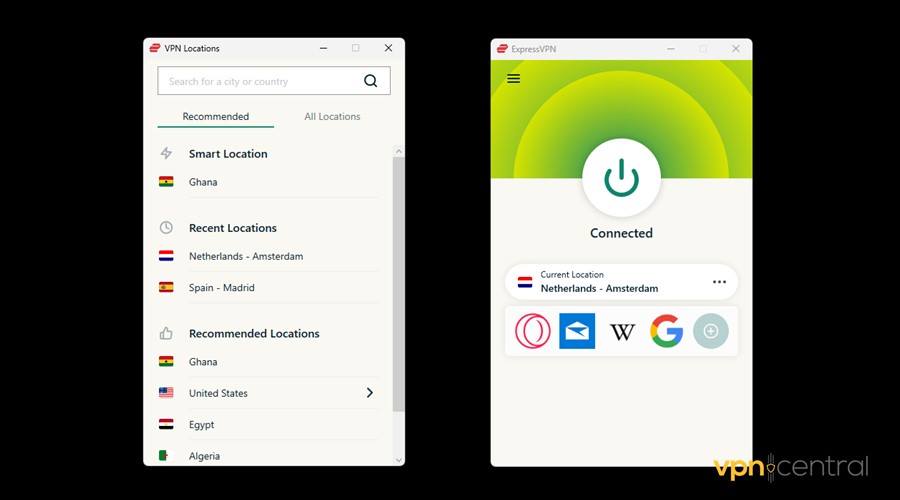
Top speeds for 4K HDR on Shield with excellent peering. Lightway protocol connects quickly and stays stable during long binge sessions or GeForce NOW play.
- Native Android TV app that is easy to navigate with the remote
- Very strong record for Netflix, Disney+, Prime Video, BBC iPlayer
- High quality routes that reduce buffering during peak hours
- Works well when sports streams are region locked, as shown in how to watch an MLB game blocked in your area
Gaming notes: Low latency connections hold up for cloud gaming sessions on Shield.
Helpful feature set: Split tunneling on Android, kill switch in the mobile app family, trusted RAM-only servers, SmartDNS for set-top devices. If you are comparing providers, see the detailed ExpressVPN vs CyberGhost comparison.
Get ExpressVPN on your Shield for smooth 4K and reliable unblocking.
2) NordVPN — High speed with SmartPlay for effortless streaming
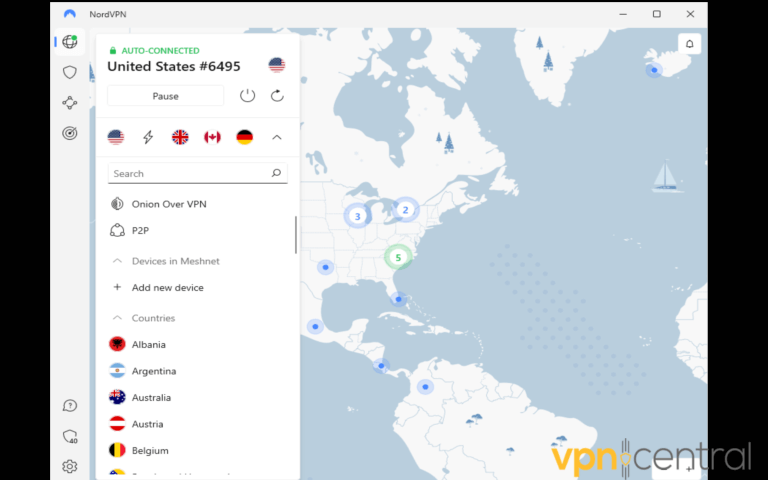
NordLynx (WireGuard based) delivers near-ISP speeds. SmartPlay blends VPN and SmartDNS so major apps on Shield just work without manual tweaks.
- Native Android TV app with profile based server suggestions
- Unblocks Netflix US, Hulu, BBC iPlayer, and regional sports reliably
- Large server fleet for stable nearby hops and less congestion
- Frequently recommended for GeForce NOW stability in the roundup of the best VPNs for GeForce NOW
Helpful feature set: Threat Protection (DNS filtering), split tunneling on Android, kill switch in the Android app, Meshnet for secure device links.
Install NordVPN on your Shield to combine speed with effortless streaming.
3) Surfshark — Best value with unlimited devices
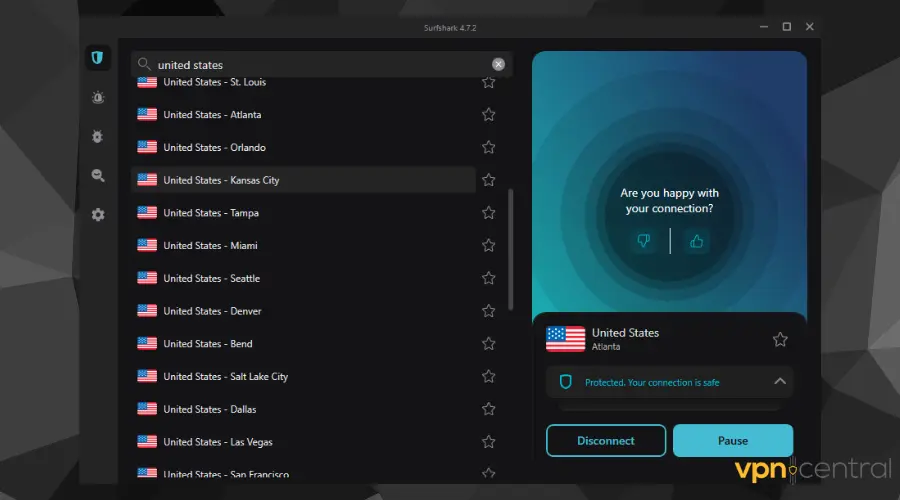
Unlimited connections cover multiple Shields, TVs, and mobiles on one plan. Performance is strong enough for 4K while keeping costs low.
- Android TV app is quick to navigate with a remote
- Consistent access to Netflix libraries, Disney+, and BBC iPlayer
- Good nearby performance for daily streaming on budget broadband
Gaming notes: Solid for casual GeForce NOW sessions.
Helpful feature set: Bypasser (split tunneling) on Android, kill switch, rotating IP, SmartDNS.
Use Surfshark on your Shield to protect every screen in the house.
4) CyberGhost — Easiest setup with streaming-optimized locations
Choose a server labeled for a specific platform and hit play. Ideal for first time Shield owners who want quick results.
- Android TV app highlights streaming optimized servers for Netflix, Hulu, Disney+, BBC iPlayer
- Latency and load indicators help you select better options for 4K
- Strong global coverage for travel or expats
- Frequently appears among the best inexpensive VPNs while remaining easy to use
Gaming notes: Stable enough for cloud gaming, a touch slower than the top two.
Helpful feature set: Always on kill switch on Android, dedicated streaming profiles, SmartDNS.
Set up CyberGhost on your Shield for click and go streaming.
5) ProtonVPN — Best free entry point, stronger paid tier for 4K
Rare free option that works on Android TV. Useful for testing VPN on Shield before upgrading for speed.
- Native Android app with simple remote control
- Free servers in key regions help with basic streaming access
- Paid plan adds much faster 4K capable routes and more locations
- Explore more no cost choices in this list of free VPNs for Android without registration
Gaming notes: Free tier is limited for cloud gaming; paid tier is noticeably better.
Helpful feature set: NetShield DNS filtering, Android kill switch, WireGuard support, SmartDNS on certain plans.
Try Proton VPN on your Shield free, then upgrade for 4K performance.
How to Set Up a VPN on NVIDIA Shield
There are several ways to install and configure a VPN on Shield. The Play Store is simplest, but alternatives exist if your provider is not listed.
1. Install via Google Play Store
- Open the Google Play Store on your Shield.
- Search for your chosen VPN.
- Install the app and open it from the Shield’s main menu.
- Log in with your VPN account details and connect to a server.
2. Sideload the APK
- Download the VPN APK from the official provider website.
- Transfer it to your Shield using a USB stick or file manager app.
- Enable “Install unknown apps” in Settings → Security.
- Install the APK, log in, and connect.
3. Use a VPN-enabled router
- Install the VPN on your supported router following the provider guide.
- Once enabled, every device on your network, including your Shield, uses the VPN automatically.
- This is ideal if your provider does not offer an Android TV app.
4. Configure SmartDNS
- Get your provider’s SmartDNS addresses from your account dashboard.
- Enter the DNS values in the Shield’s network settings.
- SmartDNS does not encrypt traffic but can unblock services with less overhead on slow connections.
If an app fails to connect or streams stop working, follow these steps for fixing VPN issues on Android TV.
Extra Tips for NVIDIA Shield Users
- Protocol choice: Use WireGuard or NordLynx (NordVPN, Surfshark, Proton) or Lightway (ExpressVPN) for the best mix of speed and stability.
- Server distance: For 4K, choose the closest server in the target country to keep latency down.
- SmartDNS fallback: If you only need unblocking and your speeds are borderline, SmartDNS can reduce overhead.
- Split tunneling: Keep streaming apps inside the VPN tunnel and leave local casting apps outside to maintain LAN discovery.
- Cloud gaming routes: If GeForce NOW is unavailable or unstable in your region, use guides on the best VPNs for GeForce NOW and on how to access GeForce Now in unsupported regions.
Conclusion
Using a VPN on NVIDIA Shield TV or Shield TV Pro unlocks the device’s full streaming and gaming potential. With the right setup and server choice, your Shield can deliver unrestricted 4K streaming and stable cloud gaming from virtually anywhere.


Read our disclosure page to find out how can you help VPNCentral sustain the editorial team Read more


Improve this guide


User forum
0 messages