
Can a VPN Provider See My Data? Everything You Should Know


 4 min. read
  Updated on
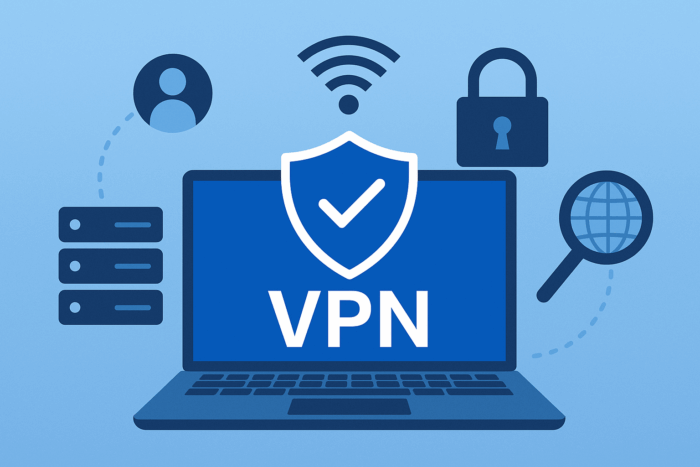
When you use a VPN, all your online traffic passes through the provider’s servers. For beginners, this often raises an important question: can your VPN provider actually see what you’re doing online?
This guide explains how VPNs work, what providers can and cannot see, and how to choose a trustworthy service. By the end, you’ll understand how your privacy is protected and where the risks still remain.
Table of contents
Before You Start: Key Takeaways
- VPNs encrypt your traffic so outsiders like ISPs and hackers can’t read it.
- The VPN provider can technically see some metadata about your connection.
- Good VPNs follow strict no-logs policies, meaning they don’t store your browsing activity.
- Your privacy depends largely on choosing a trustworthy provider.
How VPNs Protect Your Data
When you connect to a VPN, your data is encrypted before leaving your device. That means your internet service provider (ISP), hackers on public Wi-Fi, and most third parties cannot see the content of your traffic. They only know you’re connected to a VPN server, not which sites you visit. If you’re new to the technology, you may first want to review what a VPN actually is.
What a VPN Provider Can See
While encryption protects your traffic from outsiders, the VPN provider itself sits in the middle. Technically, this means they could see:
- Your real IP address when you connect.
- The VPN server you chose and when you connected.
- The amount of data you send and receive (but not the exact content if they don’t log it).
However, most reputable VPNs adopt a no-logs policy. This means they do not store your browsing history, DNS requests, or session details that could identify you. To understand this better, check how HTTPS traffic looks to a VPN provider.
What a VPN Provider Cannot See
Thanks to encryption, VPN providers cannot read the actual content of your web traffic if it’s HTTPS-protected (which most websites are). For example:
- The emails you send via Gmail or Outlook.
- The banking details you enter on secure websites.
- The videos you stream on services like Netflix or YouTube.
In other words, they know that traffic is flowing but not the exact details of what you’re doing. Still, governments and ISPs may try to restrict access, so it’s worth knowing whether a government can block VPN services.
How to Choose a Trustworthy VPN Provider
Your privacy depends heavily on choosing a reliable provider. Competitors like ExpressVPN, NordVPN, and Surfshark have undergone independent audits to prove they don’t log user activity. Lesser-known services may not provide the same guarantees. For context, some users even wonder if a VPN can hack your phone , another reason to stick with reputable providers.
When evaluating a VPN, look for these features:
- No-logs policy verified by audits.
- Strong encryption standards (AES-256, WireGuard, or OpenVPN).
- Transparency in company ownership and legal jurisdiction.
- Positive track record and independent reviews.
Comparison Table: VPN Logging Policies
| VPN Provider | No-Logs Policy | Independent Audit | Jurisdiction |
|---|---|---|---|
| ExpressVPN | Yes | Yes | British Virgin Islands |
| NordVPN | Yes | Yes | Panama |
| Surfshark | Yes | Yes | Netherlands |
| Average Free VPN | No / Unclear | No | Often US-based |
FAQs
Not if they follow a verified no-logs policy. Without logs, your activity isn’t stored or shared. Still, someone determined might ask if a VPN can be traced, the short answer is yes, but only in limited circumstances.
Yes. Many free VPNs make money by tracking your activity or injecting ads, so they may compromise your privacy. They also tend to cause more performance issues, which is why many people ask if VPNs cause buffering.
Check for third-party audits, strong encryption protocols, and a proven history of privacy protection. Also consider performance impacts, since people often wonder whether VPNs affect phone calls or if a VPN can increase internet speed.
Conclusion
VPN providers technically can see some connection details, but reputable ones don’t store or monitor your activity thanks to strict no-logs policies.
For true privacy, pick a trusted, audited VPN service and avoid free options that often profit from your data. By doing so, you’ll keep your online activity private while enjoying the protection VPNs were designed to provide.
For a deeper breakdown of what VPNs can track, review this guide before you choose a provider.


Read our disclosure page to find out how can you help VPNCentral sustain the editorial team Read more


Improve this guide



User forum
0 messages