
How to Watch Sex and the City on Netflix in the US with a VPN (2026)


 8 min. read
  Published on

Sex and the City is currently available on Netflix in Slovakia, with all six seasons listed in the Slovak catalog. Current Netflix availability data for Sex and the City shows that the series left Netflix US on June 30, 2026, but remains available in Slovakia and Thailand.
For U.S. viewers, Slovakia is the more practical region to try because Private Internet Access, ExpressVPN, and NordVPN all provide Slovak VPN locations. After connecting to Slovakia, you can open the official Netflix page for Sex and the City and check whether the series becomes available.

Access content across the globe at the highest speed rate.
🔥 Save 81% + 2 bonus months! 🔥
70% of our readers choose Private Internet Access
70% of our readers choose ExpressVPN
2
Browse the web from multiple devices with industry-standard security protocols.
🔥 Save 73%! 🔥

Faster dedicated servers for specific actions (currently at summer discounts)
🔥 Save 69%! 🔥
This method is not guaranteed. According to Netflix’s official VPN guidance, a VPN can make your device appear to connect from another location, but Netflix may detect VPN traffic and restrict the catalog it shows.
How to watch Sex and the City on Netflix with a VPN
Connect to a VPN server in Slovakia before opening Netflix so the service sees a Slovak IP address rather than your regular U.S. address.
- Choose a VPN. Private Internet Access is our first recommendation, followed by ExpressVPN and NordVPN.
- Download and install the VPN app on your device.
- Open the VPN and connect to Slovakia.
- Fully close Netflix if the app or website is already open.
- Reopen Netflix after the VPN connection is established.
- Sign in with your existing Netflix account.
- Search for Sex and the City.
- Start an episode if the series appears.
Slovakia is a useful region for this setup because current Netflix catalog tracking lists Seasons 1 through 6 in Slovakia. The listing includes all 94 episodes, from the 12-episode first season through the 20-episode sixth season.
You do not need a separate Slovak Netflix account. Connect your VPN first, reopen Netflix, and use your existing login. You can also open the Sex and the City Netflix listing directly after establishing the VPN connection.
Best VPNs for watching Sex and the City on Netflix
All three VPNs below currently provide a Slovakia location, which can give your device an IP address associated with the country.
| VPN | Slovakia server option | Best for |
|---|---|---|
| Private Internet Access | Slovakia and SK Streaming Optimized | Editor’s Choice |
| ExpressVPN | Slovakia | Simple Slovak IP connection |
| NordVPN | Slovakia | SmartPlay |
1. Private Internet Access
Private Internet Access is our Editor’s Choice for this setup because it currently provides both a regular Slovakia location and an SK Streaming Optimized option. PIA’s official server location list confirms that both options are available in its apps.
The Streaming Optimized location gives you a straightforward place to start. Open PIA, search for Slovakia, and choose SK Streaming Optimized. Once the connection completes, fully close Netflix and reopen it before searching for Sex and the City.
If the optimized location does not work, switch to the regular Slovakia server. PIA’s current location directory lists both choices, giving you an alternative without changing Netflix regions.
A Slovak IP address does not guarantee that Netflix will show the Slovak catalog. Netflix can identify VPN IP addresses, so you may need to reconnect or try the other PIA Slovakia option.
2. ExpressVPN
ExpressVPN also provides a dedicated Slovakia location. Its official Slovakia VPN page confirms that connecting to the location replaces your visible IP address with a Slovak IP.
To use it, open ExpressVPN, search for Slovakia in the server list, select the location, and connect. Close Netflix before changing regions, then reopen it once ExpressVPN confirms the connection.
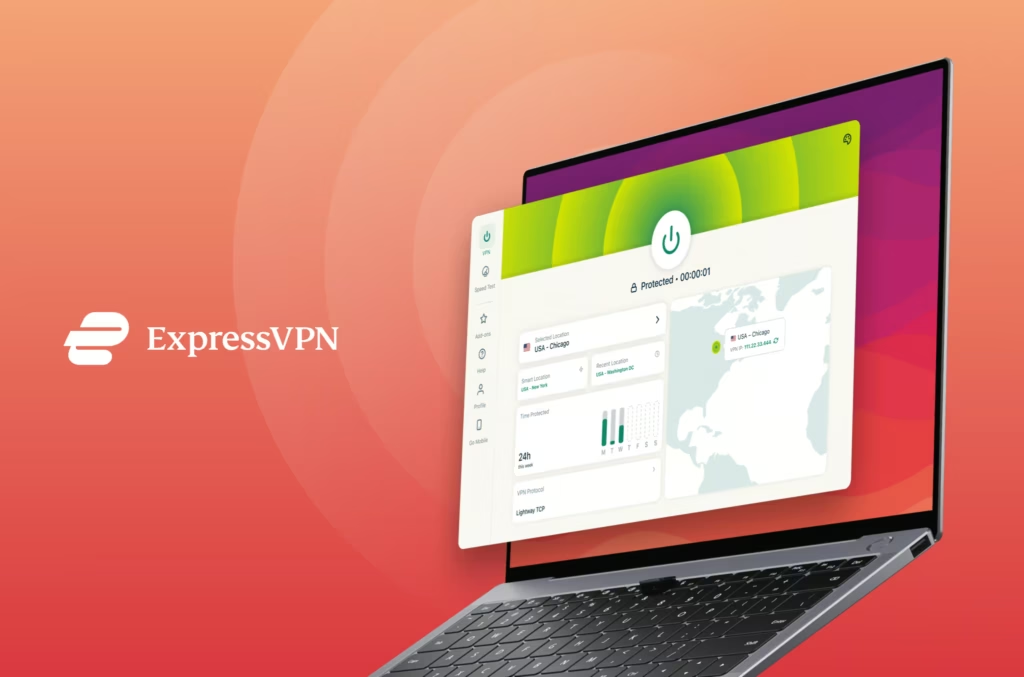
ExpressVPN says its Slovakia infrastructure uses high-capacity servers and supports its Lightway protocol. Those features can help maintain a stable connection while streaming, although they do not guarantee Netflix access.
If Sex and the City does not appear, disconnect from ExpressVPN, reconnect to Slovakia to obtain a new connection, and restart Netflix.
3. NordVPN
NordVPN’s official server directory lists Slovakia among its current European VPN locations. Connecting to Slovakia replaces your regular IP address with the VPN server’s address while encrypting the connection.
NordVPN also includes SmartPlay in its VPN apps. SmartPlay combines VPN and DNS technologies and activates automatically when you connect, so there is no separate setting you need to configure.
Open NordVPN, find Slovakia in the country list, and connect. The NordVPN location directory currently lists one Slovak city location, so the app can select an appropriate server within that region.
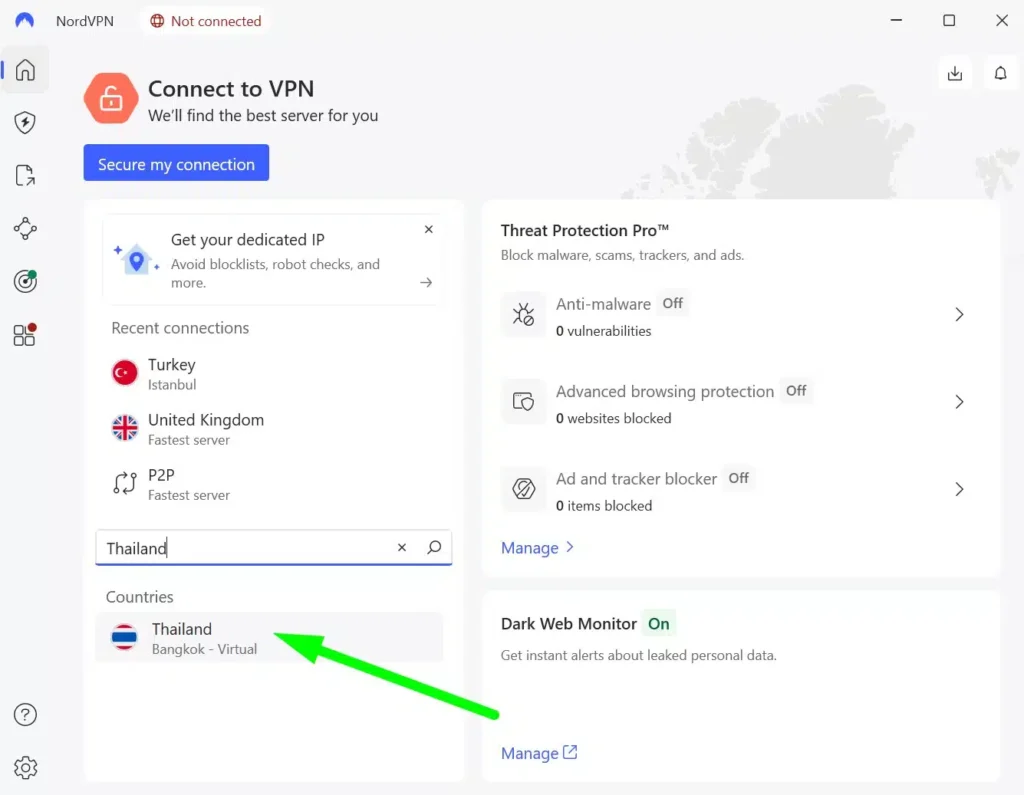
Once connected, reopen Netflix and search for the series. NordVPN’s SmartPlay documentation confirms that the feature works automatically in the background whenever you use the VPN app.
What to do if Sex and the City does not appear
Netflix can retain information from your previous session even after you connect to a Slovak VPN server. Restarting the service and changing servers can sometimes resolve the problem.
- Close the Netflix app or all Netflix browser tabs completely.
- Disconnect from the VPN.
- Reconnect to another Slovakia server or location if your VPN offers one.
- Clear Netflix cookies and browser cache if you are using a browser.
- Open a private or incognito browser window.
- Confirm that the VPN still shows Slovakia as your location.
- Reopen Netflix and sign in again.
- Search for Sex and the City.
PIA users can switch between Slovakia and SK Streaming Optimized. With ExpressVPN or NordVPN, reconnecting may assign a different VPN server or IP address.
If several attempts produce the same result, Netflix may have detected the VPN connection. The title can also disappear if Netflix changes its Slovak licensing agreement.
Netflix may detect the VPN
Netflix does not guarantee access to another country’s catalog through a VPN. Its current VPN policy says that users connected through a VPN may only see movies and TV shows for which Netflix holds worldwide rights.
Netflix can also show a VPN or proxy error and ask you to disconnect. This means even a VPN server that works today can stop providing access later if Netflix changes how it identifies the connection.
For that reason, treat a Slovakia connection as a method to try rather than a guaranteed way to watch Sex and the City on Netflix.
Can you use a Netflix ad-supported plan with a VPN?
No. Netflix currently says VPN connections are not supported when you use an ad-supported Netflix experience.
If your U.S. account uses an ad-supported plan, Netflix can show a VPN or proxy error when you connect through Slovakia. You would need an ad-free Netflix plan for the VPN method in this guide to have a chance of working.
Does changing the VPN location change your Netflix account?
No. Connecting to Slovakia does not change your Netflix email address, password, profiles, billing details, or account itself.
The VPN changes the IP address that Netflix sees when your device connects. Netflix may use that location information when deciding which regional catalog to display, although its VPN detection can override the apparent location.
You do not need to create a Slovak Netflix account or manually change your account country. Keep your existing account and establish the VPN connection before opening Netflix.
Which VPN should you use?
Private Internet Access is our first recommendation because it currently gives you both a standard Slovakia server and an SK Streaming Optimized option. That gives you two suitable starting points within the same Netflix region.
ExpressVPN comes second with a dedicated Slovakia location and a simple way to obtain a Slovak IP address. NordVPN comes third and combines its Slovakia location with SmartPlay, which activates automatically when you connect through its app.
Netflix access can change at any time. The service can detect VPN connections, VPN providers can change their server infrastructure, and Sex and the City can move between regional Netflix catalogs as licensing agreements change.
Frequently asked questions
Sex and the City is currently available on Netflix in Slovakia, where all six seasons are listed. Netflix availability can change as licensing agreements change.
Connect to a VPN server in Slovakia, fully close and reopen Netflix, sign in with your existing account, and search for Sex and the City. Netflix may detect or restrict the VPN connection.
Private Internet Access is our first choice because it offers both Slovakia and SK Streaming Optimized locations. ExpressVPN and NordVPN also provide Slovakia connections.
Close Netflix, reconnect to another Slovakia VPN server, clear Netflix cookies and cache, and sign in again. If the series still does not appear, Netflix may have detected the VPN.
No. Netflix says VPNs are not supported with its ad-supported experience, so you need an ad-free plan to try this method.


Read our disclosure page to find out how can you help VPNCentral sustain the editorial team Read more


Improve this guide




User forum
0 messages