
Windows 11 KB5077241 Preview Update Adds Sysmon, BitLocker Fixes, Network Speed Test


 2 min. read
  Published on
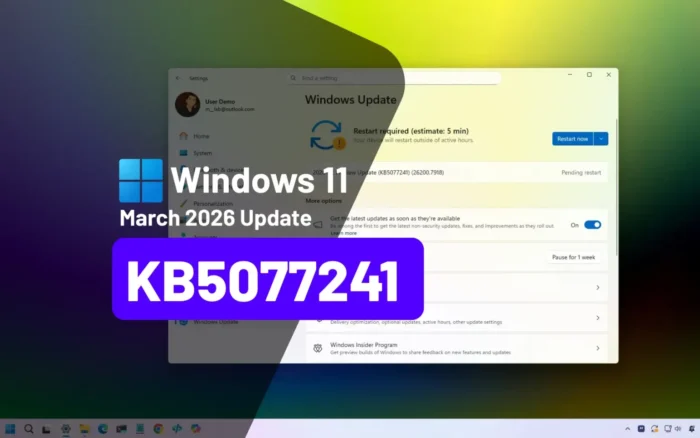
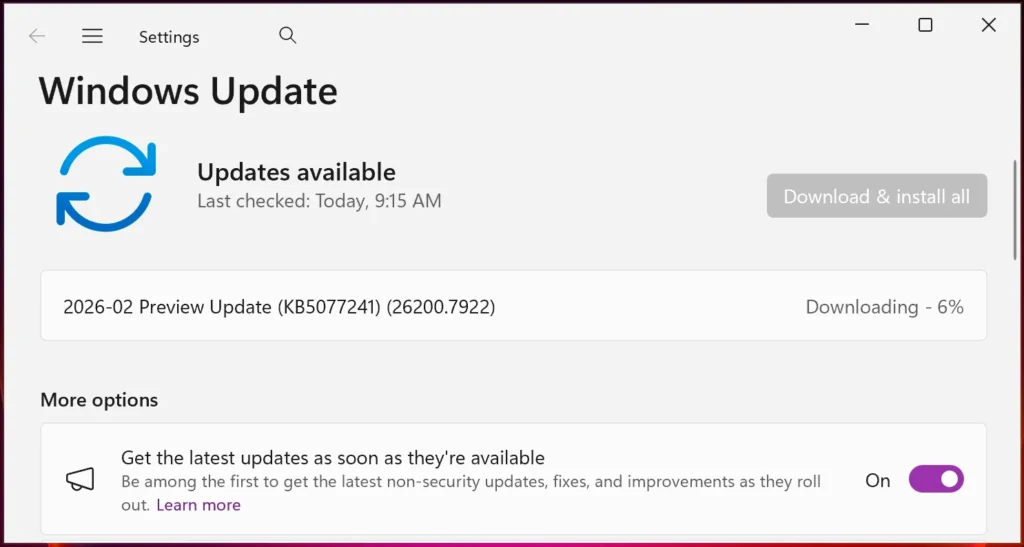
Microsoft released KB5077241 optional preview update for Windows 11 versions 25H2 and 24H2. 29 total changes include native Sysmon support, BitLocker recovery reliability, taskbar network speed test. Non-security fixes deploy end-of-month before March Patch Tuesday.
Update targets builds 26200.7922 (25H2) and 26100.7922 (24H2). BitLocker no longer freezes post-recovery key entry. Devices resume from sleep faster under heavy workloads.
Native System Monitor (Sysmon) available disabled by default. Quick Machine Recovery auto-enables on non-domain Pro devices. Taskbar network speed test accessible via Wi-Fi quick settings or system tray right-click.
Shift+click or middle mouse File Explorer opens new instances. Uncombined taskbars prevent unnecessary overflow menu gaps. WebP desktop backgrounds supported natively.
RSAT tools now install on Arm64 Windows 11 devices. Active Directory, DNS, DHCP management available as optional features. Windows Update settings page responsiveness improved significantly.
Redesigned Start menu rollout continues from October 2025 KB5067036. Updated battery icons expand to additional Windows devices. Secure Boot certificate refresh prepares for June 2026 expiration.
Key Features Table
| Feature | Platforms | Status |
|---|---|---|
| Sysmon Native | All Windows 11 | Disabled default |
| Network Speed Test | Ethernet/Wi-Fi/Cellular | Taskbar integrated |
| BitLocker Recovery | All editions | Reliability fixed |
| RSAT Arm64 | Windows 11 Arm64 | Optional features |
| WebP Backgrounds | All devices | Settings supported |
Installation Options
- Settings > Windows Update > Check for Updates
- Preview update ‘Download and install’ prompt
- Microsoft Update Catalog manual
- Enterprise WSUS deployment
Admins test fixes before mandatory Patch Tuesday rollout. Non-security preview excludes vulnerability patches intentionally.
Additional Improvements
- Sleep/wake reliability enhanced
- Taskbar overflow logic refined
- File Explorer multi-instance support
- QMR auto-enable non-domain Pro
- Secure Boot cert rollout active
Enterprise deployments gain Sysmon telemetry without third-party installs. Arm64 RSAT expands admin capabilities significantly. Network diagnostics integrate into daily workflows seamlessly.
FAQ
Optional preview non-security cumulative.
26200.7922 (25H2), 26100.7922 (24H2).
Available but disabled by default.
Wi-Fi quick settings or taskbar right-click.
Recovery key freeze eliminated.
Active Directory, DNS, DHCP tools available.


Read our disclosure page to find out how can you help VPNCentral sustain the editorial team Read more


Improve this guide




User forum
0 messages