
Microsoft 365 mailbox rules let hackers quietly intercept sensitive business emails


 5 min. read
  Published on

Attackers who break into Microsoft 365 accounts are increasingly using mailbox rules to spy on email, hide warnings, and forward sensitive messages outside the company. This tactic does not need malware. It uses built-in Outlook and Exchange features that many users never review, which makes it easy to miss during a compromise.
Proofpoint says mailbox rules have become one of the most consistent post-compromise actions it sees in Microsoft 365 account takeovers. In its latest research, the company said roughly 40% of compromised Microsoft 365 accounts had at least one malicious mailbox rule created soon after the breach. Proofpoint also said the fastest observed gap between compromise and rule creation was just eight seconds.

Access content across the globe at the highest speed rate.
70% of our readers choose Private Internet Access
70% of our readers choose ExpressVPN

Browse the web from multiple devices with industry-standard security protocols.

Faster dedicated servers for specific actions (currently at summer discounts)
That speed matters because it shows how automated this behavior has become. Once a criminal gets access through phishing, password spraying, brute-force attacks, or OAuth consent abuse, a mailbox rule can start filtering and forwarding messages almost immediately, often before the victim notices anything unusual.
How attackers abuse mailbox rules after a Microsoft 365 compromise
Mailbox rules exist for legitimate reasons. Microsoft’s own documentation says users can create inbox rules to move, forward, or redirect messages automatically, including to external addresses. That convenience also creates an opening for attackers who want quiet access to high-value conversations.
Proofpoint says attackers often create rules that forward emails containing terms like “invoice,” “wire,” or “contract” to an attacker-controlled mailbox. They can also move alerts into Archive, RSS Feeds, or other low-visibility folders, mark messages as read, or delete them outright. That gives them two advantages at once: access to sensitive mail and fewer chances of the victim spotting the breach.
Microsoft gives the same warning in its own Defender guidance. It says attackers often create inbox rules to exfiltrate email to an external address, hide messages in obscure folders, or suppress security-related emails so the compromised user does not realize what is happening.
| Abuse pattern | What attackers do | Why it works |
|---|---|---|
| External forwarding | Send selected emails to outside accounts | Built-in forwarding can look legitimate |
| Hiding alerts | Move MFA or password reset emails to hidden folders | Victims miss warning signs |
| Mark as read or delete | Remove suspicious replies or notices | Reduces chance of detection |
| Keyword filtering | Capture only finance or legal emails | Keeps the theft focused and quiet |
Why this technique is so effective in business email attacks
Mailbox-rule abuse fits naturally into business email compromise. An attacker does not need to drop ransomware or run a visible backdoor. They can sit inside real conversations, watch payment threads, and wait for the right moment to intervene.
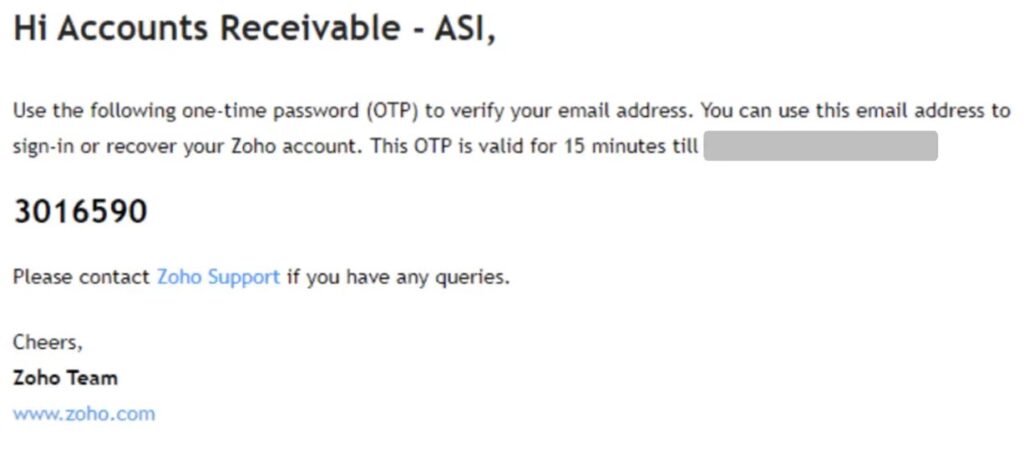
Proofpoint described one payroll fraud case where an attacker created a rule to archive any email with “Payment List” in the subject line. The attacker then used Zoho Mail to set up a spoofed domain using homoglyph characters, which let fake messages blend into an existing business thread. Because the mailbox rule already hid the related verification and payment emails, the victim had little chance to catch the fraud in time.
The danger does not stop with finance teams. Microsoft says suspicious email forwarding can expose information that attackers later use against the organization or its partners. Hidden forwarding rules can also support phishing, spam, or further internal compromise by giving the attacker a steady view of what matters inside a company.
Common signs of malicious rule abuse
- Rules with vague, random, or nonsensical names
- Forwarding to unfamiliar external addresses
- Messages moved to obscure folders such as RSS Feeds or Archive
- Rules that filter for finance, invoice, contract, password, or MFA-related keywords
- Security alerts marked as read, deleted, or never seen by the user
What Microsoft 365 administrators should do now
The first step is to stop assuming that automatic forwarding is harmless. Microsoft says automatic forwarding to external recipients is a security risk because it can disclose information to attackers or outside parties. The company also says the default “Automatic – System-controlled” setting in outbound spam filter policies now behaves the same as “Off,” which blocks external forwarding by default.
Admins should review whether any custom policy, remote domain setting, or mail flow rule re-enabled forwarding for part of the tenant. Microsoft says a block usually wins when one setting allows forwarding and another blocks it, but organizations still need to check the full configuration because users and admins can create forwarding in different ways.
Detection matters as much as prevention. Microsoft Defender guidance says security teams should investigate suspicious forwarding alerts, validate destination addresses, review keyword filters, and check whether the IP address and sign-in behavior around the rule creation make sense for that user.
Immediate steps for defenders
- Disable or tightly restrict automatic external forwarding in Exchange Online
- Audit inbox rules and mailbox forwarding settings across sensitive accounts
- Revoke active sessions and reset credentials after any suspected compromise
- Review Entra ID sign-ins for unusual locations, devices, or risk signals
- Investigate OAuth app consent grants tied to suspicious accounts
- Check whether forwarded mail reached attacker-controlled external addresses
FAQ
They create inbox rules that forward, hide, move, delete, or mark emails as read after they compromise an account. This lets them steal sensitive messages and suppress alerts without adding malware.
They use normal Microsoft 365 features that many employees already use. Because rule management is common, suspicious rules can blend in unless admins review them directly or investigate Defender alerts.
Yes, in some cases the rule can keep running after the password change because it sits inside the mailbox configuration. Security teams should remove the rule, review active sessions, and investigate the whole account, not just rotate the password. Proofpoint specifically warns that these rules can maintain persistence after a reset.
Block unnecessary external auto-forwarding, monitor for suspicious forwarding alerts, and audit mailbox rules on high-risk accounts such as finance, payroll, legal, and executives.


Read our disclosure page to find out how can you help VPNCentral sustain the editorial team Read more


Improve this guide


User forum
0 messages