
GraphWorm Malware Uses Microsoft OneDrive to Hide Its Command Traffic


 7 min. read
  Published on

Security researchers have uncovered a new backdoor called GraphWorm that uses Microsoft OneDrive as part of its command-and-control system. The malware belongs to Webworm, a China-aligned cyber-espionage group that has continued to refresh its toolkit and move toward stealthier cloud-based tactics.
The main concern is simple: GraphWorm does not rely on an obviously suspicious server for communication. Instead, it uses Microsoft Graph API and OneDrive endpoints to receive commands and send data from infected machines. That can make malicious traffic harder to separate from normal Microsoft 365 activity inside enterprise networks.

Access content across the globe at the highest speed rate.
70% of our readers choose Private Internet Access
70% of our readers choose ExpressVPN

Browse the web from multiple devices with industry-standard security protocols.

Faster dedicated servers for specific actions (currently at summer discounts)
ESET researchers said Webworm used GraphWorm during its 2025 activity, alongside another new backdoor called EchoCreep. While GraphWorm relies on Microsoft OneDrive, EchoCreep uses Discord for command-and-control communication.
Webworm shifts from old RATs to cloud-based backdoors
Webworm has been linked to cyber-espionage activity for years. Earlier reporting tied the group to modified versions of older remote access tools, including Trochilus, Gh0st RAT, and 9002 RAT.
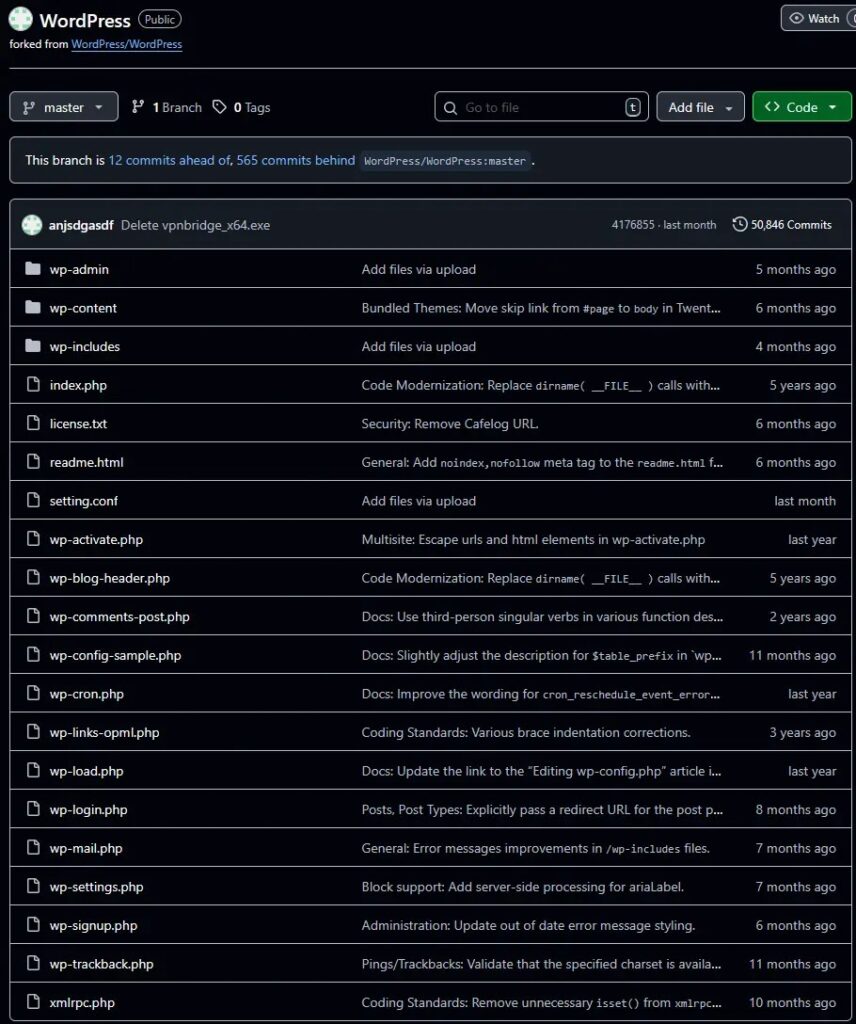
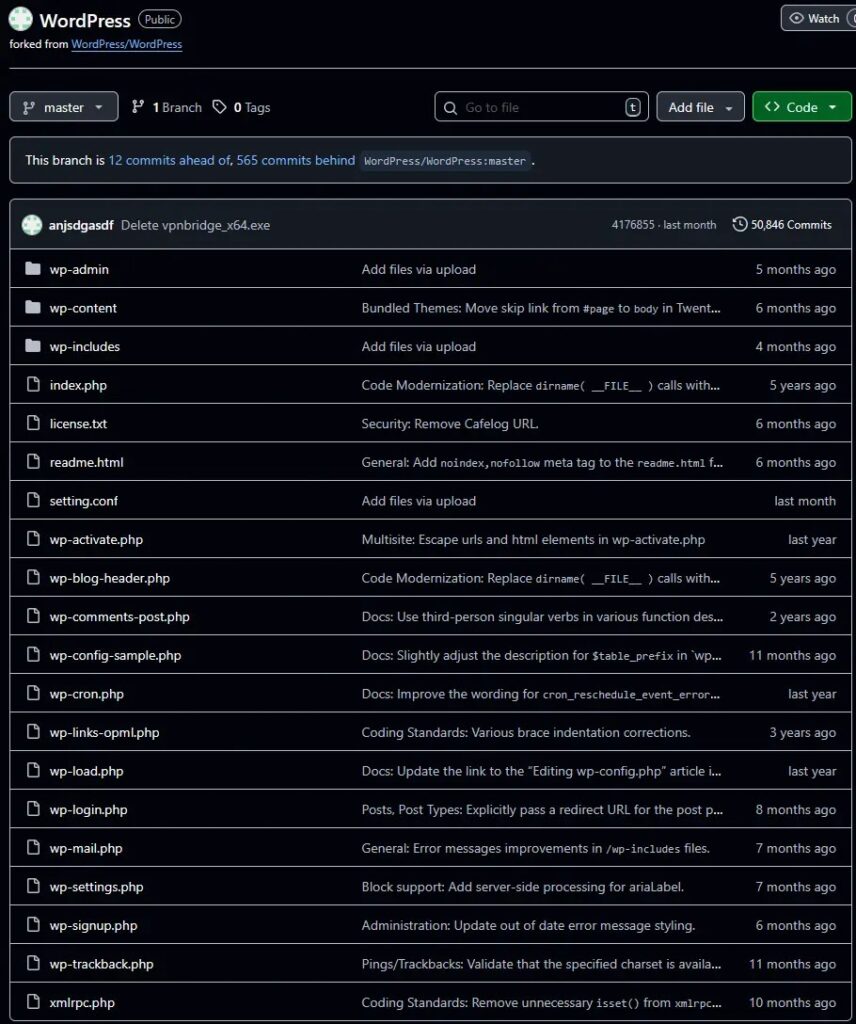
ESET’s newer findings show a more modern approach. The group has moved away from some traditional malware families and started using custom backdoors, cloud services, GitHub staging, proxy tools, and compromised storage services to support its operations.
The group’s recent targeting also appears to have shifted. Webworm originally focused heavily on Asian targets, but researchers observed recent activity against government organizations in Belgium, Italy, Serbia, and Poland. A university in South Africa was also compromised.
How GraphWorm uses OneDrive for command and control
GraphWorm uses Microsoft Graph API to communicate with a OneDrive instance controlled by the attackers. After it runs on a compromised computer, it creates a unique victim ID using system details such as the network adapter IP, processor ID, and device serial number.
The malware then uses that ID to create or rename a OneDrive folder for the victim. Each compromised machine gets its own folder structure, which helps the attackers organize commands, files, and results.
| OneDrive folder | Purpose |
|---|---|
| /files | Stores files used by the attackers or malware workflow. |
| /job | Holds commands queued by the operators. |
| /result | Stores output from commands executed on the victim machine. |
This design lets the malware blend into cloud traffic that many organizations already allow. It also gives the operators a familiar cloud file structure for controlling infected systems.
What GraphWorm can do on infected machines
GraphWorm supports several commands that give attackers control over a compromised Windows system. It can start a cmd.exe shell, run new processes, move files between the victim and OneDrive, change sleep timing, and update its configuration.
The malware encrypts its communication data before encoding it, which adds another layer of protection for the attacker. It can also use proxy settings, allowing its traffic to pass through another configured route.
When GraphWorm completes a shell command, the output is written to a temporary file before being uploaded back through OneDrive. Researchers noted that the malware likely uses Microsoft Graph’s createUploadSession feature to handle larger uploads.
- Runs shell commands on compromised systems.
- Uploads command results to OneDrive.
- Downloads files from OneDrive to the victim machine.
- Changes sleep and polling intervals.
- Updates configuration values stored on disk.
- Uses cloud-hosted infrastructure to reduce obvious warning signs.
EchoCreep and proxy tools expand Webworm’s toolkit
GraphWorm is only one part of the updated Webworm toolkit. ESET also analyzed EchoCreep, a Go-based backdoor that uses Discord for command-and-control communication. Researchers decrypted more than 400 Discord messages tied to the operation.
The group also uses several proxy and tunneling tools. These include WormFrp, ChainWorm, SmuxProxy, and WormSocket. Some are based on open-source tools, while others add custom features for chaining traffic across multiple hosts.
This proxy infrastructure can help Webworm hide where commands come from and where stolen data goes. It also gives the attackers more flexibility after they gain access to a network.
| Tool | Role in Webworm activity |
|---|---|
| GraphWorm | Backdoor using Microsoft Graph API and OneDrive for command and control. |
| EchoCreep | Backdoor using Discord for command and control. |
| WormFrp | Custom proxy tool inspired by the fast reverse proxy utility. |
| ChainWorm | Proxy chaining tool used to route traffic across multiple systems. |
| SmuxProxy | Custom tool based on the iox port-forwarding utility. |
| WormSocket | Proxy tool that uses websocket-based communication. |
How Webworm may be finding targets
Researchers also found evidence that Webworm operators used open-source scanning tools to examine possible targets. These included Nuclei, a vulnerability scanner, and dirsearch, a web path scanning tool.
The tools were used against targets in several countries, including Spain, Hungary, Belgium, Nigeria, Czechia, and Serbia. This suggests the attackers were looking for exposed web paths and known weaknesses before moving deeper into victim environments.
ESET also found a script for CVE-2017-7692, a SquirrelMail vulnerability that can allow post-authentication remote code execution. The presence of that script suggests Webworm may use exposed or poorly secured webmail systems as one possible access route when credentials are already available.
Why OneDrive-based malware is hard to detect
Cloud-based command-and-control activity creates a difficult problem for defenders. Blocking OneDrive is not realistic for many businesses, especially those that rely on Microsoft 365 for file storage and collaboration.
That means security teams need to focus less on whether traffic goes to Microsoft services and more on whether the behavior around that traffic looks unusual. A trusted domain does not always mean trusted activity.
GraphWorm also shows how attackers can abuse legitimate developer APIs. Microsoft Graph API has valid business uses, including file access and upload workflows. Attackers can use those same capabilities to hide command channels inside expected cloud activity.
What security teams should monitor
Organizations should review Microsoft 365 activity for unusual OneDrive folder creation, suspicious upload patterns, and accounts that interact with files in ways that do not match normal user behavior.
Endpoint monitoring also matters. GraphWorm can run shell commands, execute processes, and move files, so defenders should look for unexpected cmd.exe or PowerShell activity tied to cloud file operations.
| Area to monitor | Why it matters |
|---|---|
| OneDrive folder activity | Unusual folder names or repeated job/result style folders may indicate automated abuse. |
| Microsoft Graph API activity | Unexpected file uploads or upload sessions can reveal suspicious automation. |
| Command-line activity | Unexpected cmd.exe or PowerShell execution may point to post-compromise behavior. |
| New startup entries | Persistence mechanisms can help malware run again after login. |
| Proxy tools | Unknown tunneling or port-forwarding tools can help attackers hide movement inside networks. |
GraphWorm shows a wider cloud abuse problem
GraphWorm is not dangerous because OneDrive has a flaw. It is dangerous because attackers can abuse legitimate cloud services to make their operations look ordinary.
For enterprises, the lesson is clear. Cloud service visibility has become part of malware detection. Security teams need logs from Microsoft 365, endpoint telemetry, identity monitoring, and network inspection to understand how trusted platforms are being used.
Webworm’s latest activity also shows that espionage groups are not standing still. They are mixing cloud APIs, encrypted traffic, proxy chains, public code repositories, and compromised storage services to stay harder to trace.
Summary
- GraphWorm is a new Webworm backdoor that uses Microsoft Graph API and OneDrive for command and control.
- The malware creates victim-specific OneDrive folders to store jobs, files, and command results.
- Webworm also uses EchoCreep, a Discord-based backdoor, plus several custom proxy tools.
- The group has recently targeted European government organizations and a South African university.
- Defenders should monitor OneDrive, Microsoft Graph API usage, endpoint commands, and proxy tooling for unusual behavior.
FAQ
GraphWorm is a backdoor used by the China-aligned Webworm APT group. It uses Microsoft Graph API and OneDrive to receive commands and send data from compromised systems.
GraphWorm uses OneDrive to make its command-and-control traffic look like normal cloud activity. This can help the malware avoid simple detection rules that focus only on suspicious domains or unknown servers.
GraphWorm can run shell commands, execute files, upload and download files, change sleep timing, update configuration settings, and send command results back through OneDrive.
ESET attributes GraphWorm to Webworm, a China-aligned APT group known for cyber-espionage activity and an evolving toolkit of backdoors, proxy tools, and cloud-based command channels.
Security teams should monitor unusual OneDrive folder creation, unexpected Microsoft Graph API upload activity, suspicious cmd.exe or PowerShell execution, new startup entries, and unknown proxy or tunneling tools on endpoints.


Read our disclosure page to find out how can you help VPNCentral sustain the editorial team Read more


Improve this guide


User forum
0 messages