
Claude Code Adds Remote Terminal Control From Mobile Devices


 3 min. read
  Published on
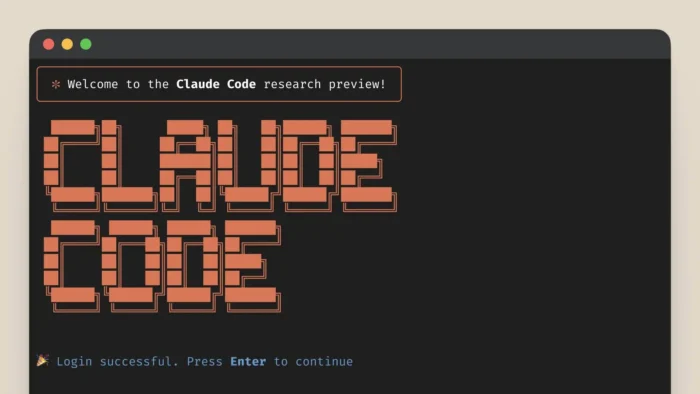
Anthropic launched Remote Control for Claude Code. Developers start tasks in their local terminal then manage them from phones or browsers. The feature sits in Research Preview for Max plan users now. It keeps full execution local while adding mobile access.
Users run “claude rc” or “claude remote-control” to activate. Set it as default through config for all sessions. The local agent polls Anthropic’s API over outbound HTTPS. No inbound ports open on your machine. Sessions time out after 10 minutes of network loss.

Access content across the globe at the highest speed rate.
70% of our readers choose Private Internet Access
70% of our readers choose ExpressVPN

Browse the web from multiple devices with industry-standard security protocols.

Faster dedicated servers for specific actions (currently at summer discounts)
This setup maintains access to local Model Context Protocol servers and project files. Mobile acts as a front-end only. One active remote session runs per instance. Local terminal must stay open for control to work.
Technical Specifications
Remote Control prioritizes security through design limits. All traffic uses TLS encryption with short-lived tokens.
| Feature | Details | Security Benefit |
|---|---|---|
| Activation | claude rc command | User-initiated only |
| Network Flow | Outbound HTTPS polling | No firewall changes needed |
| Encryption | TLS + expiring tokens | Limits hijacking windows |
| Concurrency | One session per instance | Avoids command conflicts |
| Timeout | 10 minutes inactivity | Auto cleanup on disconnect |
| Execution | Always local machine | Full file/MCP access maintained |
Anthropic states on X: “Kick off a task in your terminal and pick it up from your phone.”
How It Works
Start a coding session locally. Switch to phone mid-task. The agent streams screen and accepts commands. File changes happen on your desktop. Webcam or tools access through local resources.
Compare to cloud options like Code on the Web. Remote Control keeps power local. Use cloud VMs for safe testing instead.
Developers gain flexibility for travel or pair programming. Debug from anywhere without VPNs.
Security Considerations
Outbound-only connections reduce exposure. Tokens rotate fast to block reuse. Still recent CVE-2025-59536 showed config file risks. Patches now demand consent for MCP or network calls.
Keep repositories clean. Review configs before remote sessions. Limit Max plan access if needed.
Setup Steps
Enable the feature quickly:
- Install latest Claude Code.
- Run
claude rcin terminal. - Open Claude mobile app or browser.
- Scan QR code or paste session ID.
- Control session appears instantly.
Test on non-critical projects first. Monitor network logs during trials.
FAQ
Run claude rc and connect via mobile app.
No. Uses outbound HTTPS only.
Session times out after 10 minutes.
No. One active remote session per instance.
Always local with full file access.


Read our disclosure page to find out how can you help VPNCentral sustain the editorial team Read more


Improve this guide




User forum
0 messages