
Evilginx AiTM Attack Shows How Microsoft MFA Tokens and Sessions Can Be Stolen


 7 min. read
  Published on
Evilginx is again drawing attention because it can help attackers capture Microsoft credentials, MFA responses, and authenticated session cookies during adversary-in-the-middle phishing attacks. In a recent social engineering engagement, NetSPI showed how a lookalike domain and an Evilginx server could be used against executives during a realistic phishing scenario.
The attack matters because it does not simply steal a password. Evilginx proxies the real Microsoft login flow, waits for the victim to complete MFA, and then captures the authenticated session cookie that is created after the login succeeds.

Access content across the globe at the highest speed rate.
70% of our readers choose Private Internet Access
70% of our readers choose ExpressVPN

Browse the web from multiple devices with industry-standard security protocols.

Faster dedicated servers for specific actions (currently at summer discounts)
With that cookie, an attacker may be able to access the account without asking the victim for another MFA approval. This is why normal MFA still helps, but does not fully stop session theft when the authentication flow gets proxied in real time.
How Evilginx targets Microsoft logins
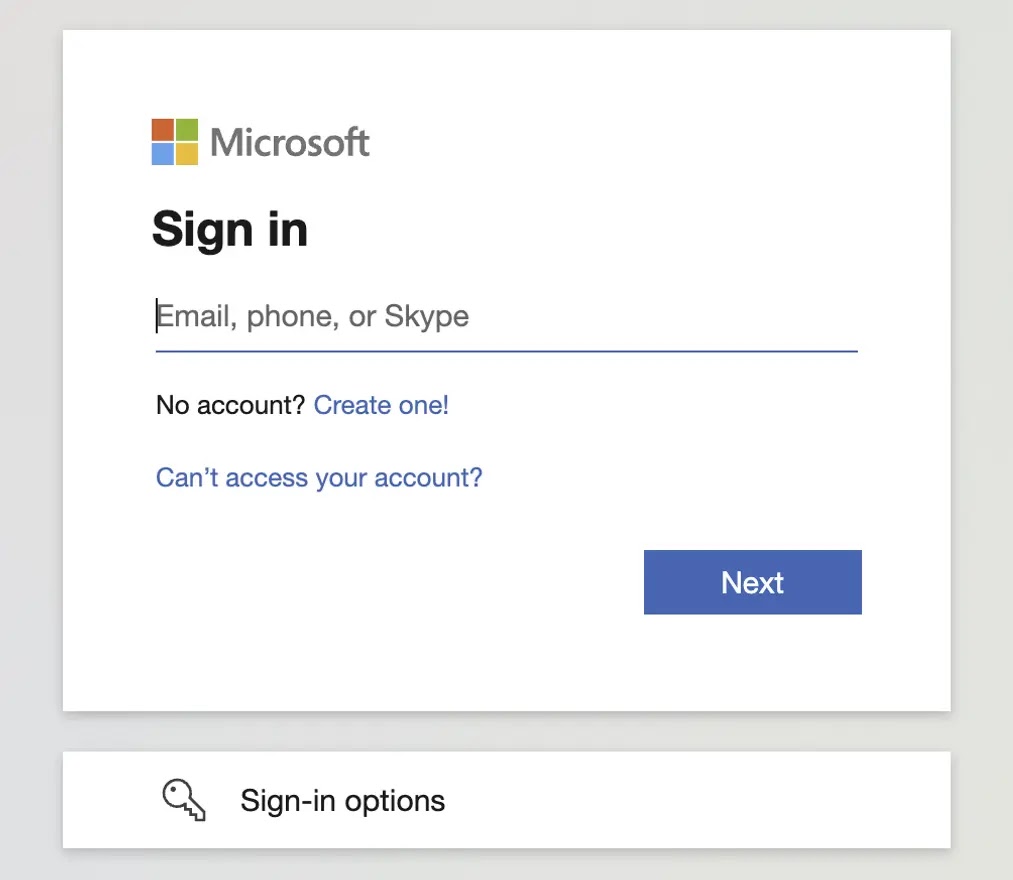
Evilginx works as a reverse proxy between the victim and the legitimate Microsoft sign-in page. The user sees a convincing login experience because the traffic passes through the attacker-controlled server before reaching the real service.
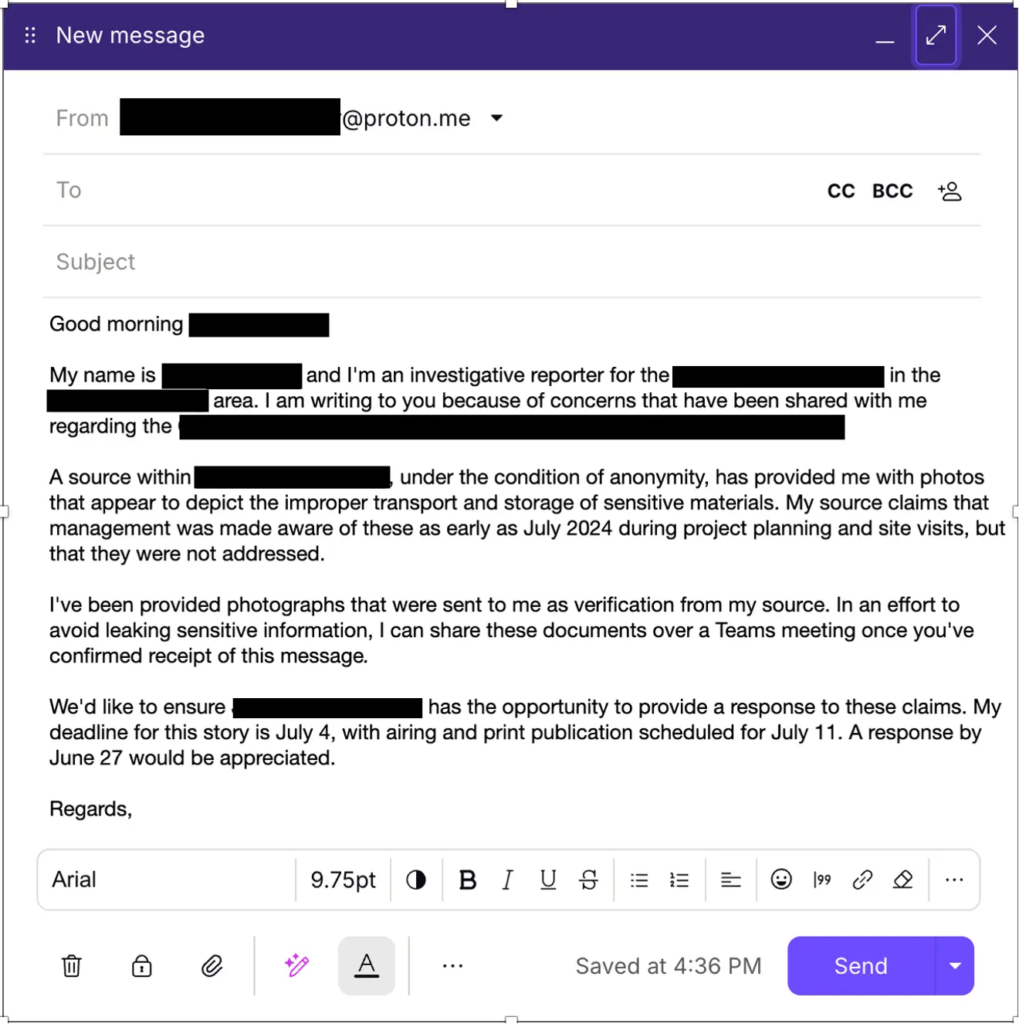
In the NetSPI write-up, researchers registered a lookalike domain and pointed an Evilginx server at the client’s real Microsoft login flow. The phishing pretext posed as a journalist asking executives for comment on a sensitive company issue.
The social engineering element made the attack more believable. One executive reportedly forwarded the phishing link to two external contracting firms, showing how a targeted campaign can spread beyond the original organization if the lure feels urgent enough.
| Attack step | What the victim sees | What the attacker gets |
|---|---|---|
| Phishing email | A believable message tied to a real business concern | A chance to move the victim to a lookalike domain |
| Microsoft login | A familiar sign-in page and normal MFA prompt | Username, password, and MFA response data |
| Session creation | A completed login or a redirected session | Authenticated session cookie |
| Session replay | No direct sign of compromise | Potential access without another MFA challenge |
Why MFA alone does not stop AiTM phishing
Traditional phishing usually fails when MFA blocks the attacker from logging in with only a stolen password. AiTM phishing changes the problem because the attacker relays the victim’s real login session as it happens.
Microsoft has warned about this pattern as well. In May 2026, the Microsoft Defender Research Team described a multi-stage phishing campaign that used adversary-in-the-middle infrastructure to capture authentication tokens after victims completed the sign-in process.
That Microsoft campaign targeted more than 35,000 users across over 13,000 organizations in 26 countries. It used polished lures, CAPTCHA-style staging pages, and a legitimate-looking sign-in flow to increase trust before the token compromise stage.
What makes session cookies so valuable
A session cookie tells a service that the user has already authenticated. If attackers can steal and replay that cookie before it expires or gets revoked, they may not need the victim’s password again.
This is different from basic credential harvesting. A stolen password can trigger MFA, risk checks, or password reset flows, while a stolen authenticated session can sometimes give the attacker a ready-made path into email, files, or cloud apps.
Microsoft’s AiTM phishing research also recommends hunting for suspicious sign-in behavior and token activity, because successful attacks may look like normal account usage after the initial phishing step.
- Watch for sign-ins from unusual IP addresses, locations, or devices.
- Review impossible travel alerts and changes in user agent behavior.
- Revoke sessions when account compromise is suspected.
- Check mailbox rules, OAuth app consent, and inbox forwarding settings after a suspected breach.
- Train executives and finance teams to verify urgent external requests through trusted channels.
Microsoft recommends phishing-resistant authentication
One of the strongest defenses against Evilginx-style attacks is phishing-resistant authentication. Microsoft Entra documentation recommends phishing-resistant MFA for privileged administrator roles, including Global Administrator, Security Administrator, Privileged Role Administrator, and Conditional Access Administrator.
Phishing-resistant methods, such as FIDO2 security keys, passkeys, Windows Hello for Business, and certificate-based authentication, rely on cryptographic proof tied to the legitimate domain. This makes simple proxy-based credential interception much harder.
Microsoft’s identity protection guidance also says passkeys provide phishing-resistant authentication using cryptographic proof that attackers cannot phish, intercept, or replay in the same way as passwords or basic MFA prompts.
| Authentication method | AiTM resistance | Notes |
|---|---|---|
| Password only | Low | Easy to steal and reuse |
| Password with SMS or push MFA | Medium | Better than passwords, but still exposed to proxy-based session theft |
| Number matching MFA | Medium | Helps against push fatigue, but does not fully stop AiTM proxy flows |
| FIDO2 security keys and passkeys | High | Uses domain-bound cryptographic authentication |
| Certificate-based authentication | High | Useful for managed enterprise environments |
Token Protection can help, but it has limits
Microsoft also offers Token Protection in Entra Conditional Access to reduce token replay attacks. The Token Protection documentation says the control helps ensure that only device-bound sign-in session tokens are accepted for protected resources.
This matters because Evilginx-style attacks rely on the portability of stolen session cookies or tokens. If a token is tied to the original trusted device, replaying it from an attacker-controlled machine becomes much harder.
However, organizations should not treat it as a universal fix. The same Microsoft Token Protection page notes that browser-based applications are not currently supported, so security teams should combine it with phishing-resistant MFA, device compliance checks, and session monitoring.
How organizations can reduce the risk
Security teams should prioritize phishing-resistant MFA for high-value users first. Executives, administrators, finance staff, help desk workers, and employees with broad mailbox or cloud access are common targets because one account can open the door to wider compromise.
Conditional Access can also limit damage by requiring compliant devices, trusted locations, sign-in risk checks, and stronger authentication for sensitive apps. These policies should apply to both initial sign-in and ongoing access to important Microsoft 365 services.
Clear process also matters. The phishing-resistant MFA policy guidance warns administrators to register the proper methods before enforcing strict policies, since a rushed rollout can lock users out of a tenant.
- Move privileged accounts to phishing-resistant MFA first.
- Disable weak fallback methods where possible.
- Use Conditional Access to require compliant or managed devices for sensitive resources.
- Monitor session cookie replay signs, including new device and location changes after authentication.
- Revoke sessions quickly when AiTM phishing is suspected.
- Create a simple policy for unsolicited media, vendor, legal, and crisis-related requests.
Why user training still matters
Technical controls reduce the risk, but the NetSPI case shows that social pressure can still move careful people into unsafe actions. The executive who forwarded the link was trying to protect the company, not ignore policy.
This is why training should focus on realistic decision points. Employees should know how to handle urgent requests from journalists, vendors, regulators, contractors, and unknown external contacts without relying on the link or contact details inside the message.
The broader Microsoft Entra identity guidance frames phishing-resistant authentication, Conditional Access, and privileged-account protection as part of a wider identity security strategy. Evilginx attacks show why that layered approach now matters for every organization using Microsoft cloud services.
FAQ
Evilginx is an adversary-in-the-middle phishing framework that can proxy a real login page and capture credentials, MFA responses, and authenticated session cookies during the sign-in process.
Evilginx can bypass some traditional MFA flows by relaying the victim’s real login session and capturing the authenticated session cookie after MFA succeeds. Phishing-resistant methods such as FIDO2 security keys and passkeys provide stronger protection.
A session cookie can act like proof that a user already completed authentication. If attackers replay a stolen session cookie before it expires or gets revoked, they may access the account without triggering another MFA challenge.
The strongest defense is phishing-resistant authentication, such as FIDO2 security keys, passkeys, Windows Hello for Business, or certificate-based authentication, combined with Conditional Access, device compliance checks, session monitoring, and fast token revocation.
No. Microsoft Token Protection can help reduce token replay by using device-bound tokens for supported resources, but Microsoft currently documents limits, including no support for browser-based applications. It should be used as part of a layered defense.


Read our disclosure page to find out how can you help VPNCentral sustain the editorial team Read more


Improve this guide




User forum
0 messages