
BTMOB Android Malware Gives Attackers Remote Control Over Infected Phones


 7 min. read
  Published on
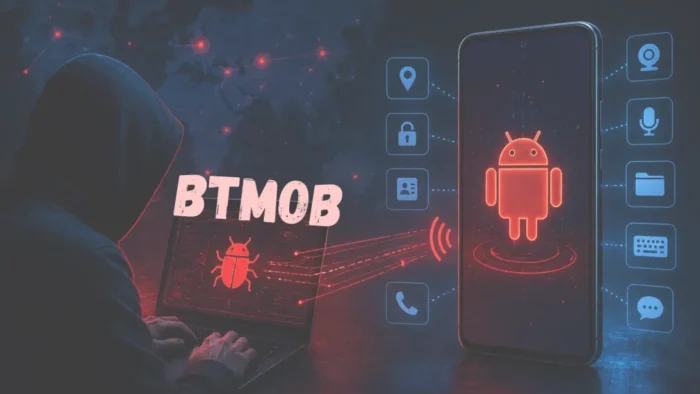
BTMOB is an Android remote access trojan that can give attackers broad control over infected phones, including screen capture, data theft, activity recording, and remote interaction with apps. The malware is especially concerning because it is sold with ready-made campaign tools that make it easier for less skilled attackers to build and distribute malicious APKs.
ESET researchers say BTMOB evolved from SpySolr and is not just another banking trojan. Instead of only stealing financial logins or intercepting transactions, it can exfiltrate sensitive data, record what happens on the device, and ultimately help attackers take over the phone.

Access content across the globe at the highest speed rate.
70% of our readers choose Private Internet Access
70% of our readers choose ExpressVPN

Browse the web from multiple devices with industry-standard security protocols.

Faster dedicated servers for specific actions (currently at summer discounts)
The malware has been seen mainly in Brazil and Latin America, but the risk is wider because its malware-as-a-service model allows operators to adapt phishing lures for different countries. Once the tool is sold or leaked, new campaigns can appear quickly under different names and with new infrastructure.
BTMOB Is Sold as a Malware-as-a-Service Tool
BTMOB stands out because it packages Android compromise as a commercial product. Its operators promote the tool through public-facing pages and social media accounts, then direct potential buyers to Telegram for purchase and support.
The kit includes an APK builder, which lets buyers create new Android payloads and customize phishing lures without writing code. That lowers the entry barrier for criminals who want to run mobile malware campaigns but lack the technical skills to build their own RAT.
According to ESET’s analysis, a reported lifetime license cost of about $5,000 plus support fees is low compared with the potential returns from banking fraud, credential theft, and crypto theft. The same economics make the tool attractive to copycat operators and resellers.
How BTMOB Reaches Android Users
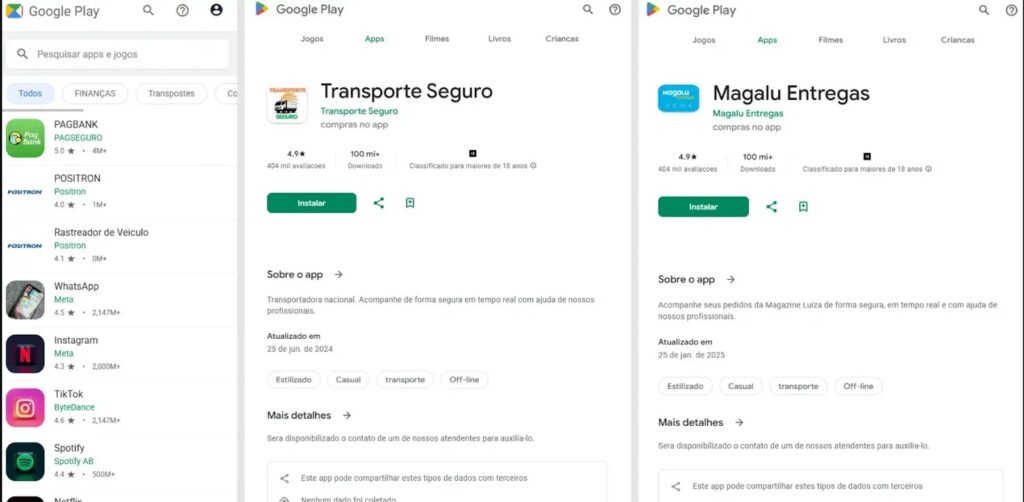
BTMOB spreads through social engineering. Attackers send victims to phishing pages that impersonate streaming services, cryptocurrency platforms, fake app stores, government agencies, or other familiar services. The pages then push victims to download a malicious APK outside the official app store.
Kaspersky previously reported BTMOB-related attacks using lures such as fake Starlink and INSS refund apps in Brazil. Those examples show how attackers adapt mobile malware campaigns to local brands, public services, and financial themes.
The attack depends heavily on sideloading. If a user installs an APK from a fake site, BTMOB can request powerful permissions and then abuse Android Accessibility Services to expand its control over the device.
BTMOB Capabilities at a Glance
| Capability | What it lets attackers do | Why it matters |
|---|---|---|
| Remote control | Interact with the infected phone in real time | Attackers can operate apps as if they were the user |
| Screen capture | Record or view on-device activity | Private chats, banking screens, and codes may be exposed |
| Accessibility abuse | Grant permissions and manipulate UI elements | The malware can perform actions without normal user input |
| Overlay attacks | Display fake screens over real apps | Banking and payment credentials can be stolen |
| Data exfiltration | Steal files, messages, contacts, and device details | Personal and business data may leave the device |
| Module loading | Add extra functions after infection | Campaigns can change based on operator goals |
Accessibility abuse is one of the biggest risks. Android Accessibility Services exist to help users operate their devices, but malware can misuse the same access to click buttons, approve prompts, monitor text, and interact with apps.
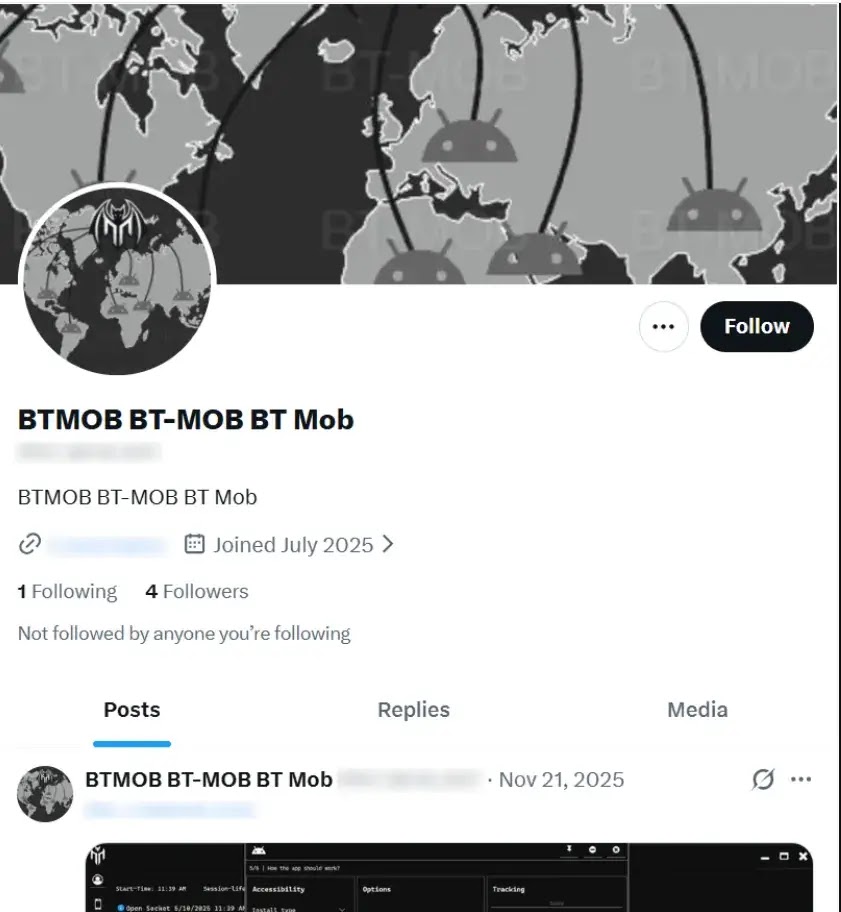
For financial attacks, this can be especially damaging. BTMOB can support fake overlays against banking and payment apps, intercept one-time codes, and let an operator watch or control the device during a transaction.
Because BTMOB is builder-driven, defenders should not expect one stable set of file hashes or domains to last long. New payloads can be generated quickly, and phishing themes can change from one region to another.
Why BTMOB Is More Dangerous Than a Typical Banking Trojan
Many mobile banking trojans focus on credentials and transaction interception. BTMOB goes further by giving attackers broad surveillance and control capabilities after infection.
That matters for businesses as well as consumers. A compromised phone may contain corporate email, chat apps, password managers, authentication apps, VPN access, document storage, customer data, and banking apps.
Kaspersky’s research also linked BTMOB activity to fake app campaigns that targeted financial and crypto-related opportunities. Combined with full-device control, that turns an infected Android phone into a valuable foothold for fraud.
What Android Users Should Do
Users should treat APK downloads from links, ads, messages, and fake app stores as high risk. BTMOB campaigns work because they convince people to leave official distribution channels and install an app that looks useful or urgent.
- Install apps only from Google Play or trusted official app stores.
- Avoid APKs promoted through social media, messaging apps, or unknown websites.
- Do not install apps that claim to offer free streaming, refunds, crypto rewards, or unofficial government services.
- Review permission requests before granting Accessibility access.
- Remove apps that ask for broad control without a clear accessibility purpose.
- Keep Android, Google Play services, and security apps updated.
- Use a mobile security product that detects Accessibility abuse and suspicious overlays.
Google Play Protect checks apps for harmful behavior, scans apps from Google Play before download, and can also check potentially harmful apps from other sources. Users should keep Play Protect enabled and use the “Improve harmful app detection” option when installing unknown apps.
What Enterprises Should Watch For
Companies should treat Android phones as high-value endpoints, not secondary devices. A phone can hold enough access to become a starting point for account compromise, financial fraud, and data theft.
Security teams should block sideloading where possible, restrict Accessibility access to approved apps, and monitor managed devices for risky permissions. They should also investigate phones that suddenly install unknown APKs or request screen-reading, SMS, notification, or device-control permissions.
| Enterprise control | Purpose | Priority |
|---|---|---|
| Block unknown app sources | Stops users from installing APKs from fake app stores | High |
| Limit Accessibility permissions | Reduces abuse of UI control features | High |
| Use mobile threat defense | Detects suspicious behavior and overlay attacks | High |
| Monitor app inventory | Finds unauthorized or newly installed apps | Medium |
| Educate users about phishing apps | Reduces installs from fake services and refund lures | Medium |
For users who install apps outside the Play Store, Google’s Play Protect guidance explains that unknown apps may be sent to Google for additional scanning. That is not a substitute for strict app-sourcing rules, but it can add another layer of protection.
BTMOB Shows How Mobile Malware Is Becoming Easier to Operate
BTMOB reflects a broader shift in cybercrime. Full-device Android compromise no longer requires every attacker to build malware, infrastructure, phishing pages, and APKs from scratch.
A no-code builder, ready-made lures, Telegram support, and regional customization give more operators access to dangerous mobile malware. That also means indicators can change quickly as buyers generate new payloads and adapt campaigns.
The main defense remains simple but important: do not install apps from links or fake stores, and do not grant Accessibility access unless the app has a clear, trusted reason to need it. For organizations, the same rule needs policy enforcement, device monitoring, and incident response support.
FAQ
BTMOB is an Android remote access trojan that evolved from SpySolr. It can steal sensitive data, record screen activity, abuse Accessibility Services, and let attackers remotely control infected Android phones.
BTMOB usually spreads through phishing pages and fake app stores. Victims are tricked into downloading a malicious APK that impersonates a streaming app, crypto service, government service, or other familiar brand.
BTMOB is dangerous because it can go beyond credential theft. It can capture screenshots, monitor activity, abuse Accessibility Services, exfiltrate data, run overlay attacks, and give operators real-time remote control over the phone.
BTMOB has been observed mainly in Brazil and Latin America, but its malware-as-a-service model means operators can adapt lures for other countries. The broader risk is not limited to one region.
Users should install apps only from official stores, avoid APKs from links or fake app stores, keep Google Play Protect enabled, reject unnecessary Accessibility permissions, and remove suspicious apps immediately.


Read our disclosure page to find out how can you help VPNCentral sustain the editorial team Read more


Improve this guide




User forum
0 messages