
Last Epoch Not Working with VPN: Step-by-Step Fixes and Best VPNs


 7 min. read
  Published on
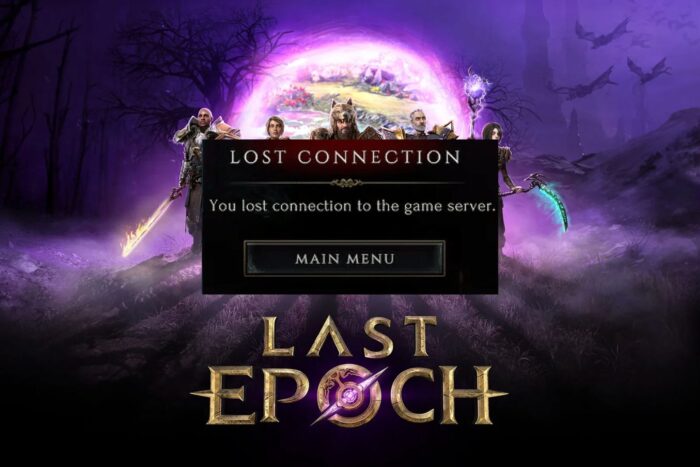
If Last Epoch isn’t working with VPN, it can quickly turn a fun dungeon run into an endless loading nightmare.
Maybe you’re stuck on the character select screen, can’t get past the map loading, or keep getting disconnected with LE-52 errors. VPNs are great for privacy, reducing lag, or accessing servers in other regions, but sometimes they interfere with the game instead of helping.

Access content across the globe at the highest speed rate.
🔥 Save 81% + 2 bonus months! 🔥
70% of our readers choose Private Internet Access
70% of our readers choose ExpressVPN
2
Browse the web from multiple devices with industry-standard security protocols.
🔥 Save 73%! 🔥

Faster dedicated servers for specific actions (currently at summer discounts)
🔥 Save 69%! 🔥
Regardless, with a bit of tweaking, you’ll be able to play Last Epoch with a VPN in no time. Just follow the step-by-step instructions below.
Table of contents
Step-by-Step Fixes for Last Epoch VPN Issues
1. Check Last Epoch Server Status
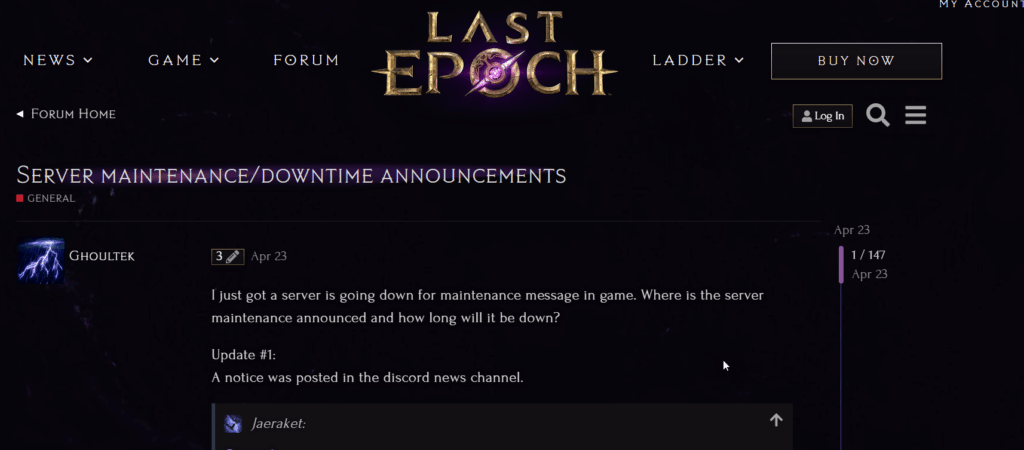
How to do it:
- Visit Last Epoch’s official server status page.
- Verify your server region is online and stable.
Why it works: If the server is down, no VPN setting will help. Checking the server status saves you hours of unnecessary troubleshooting.
2. Verify Your Internet Connection
How to do it:
- Power cycle your modem or router.
- Test your internet speed and ping.
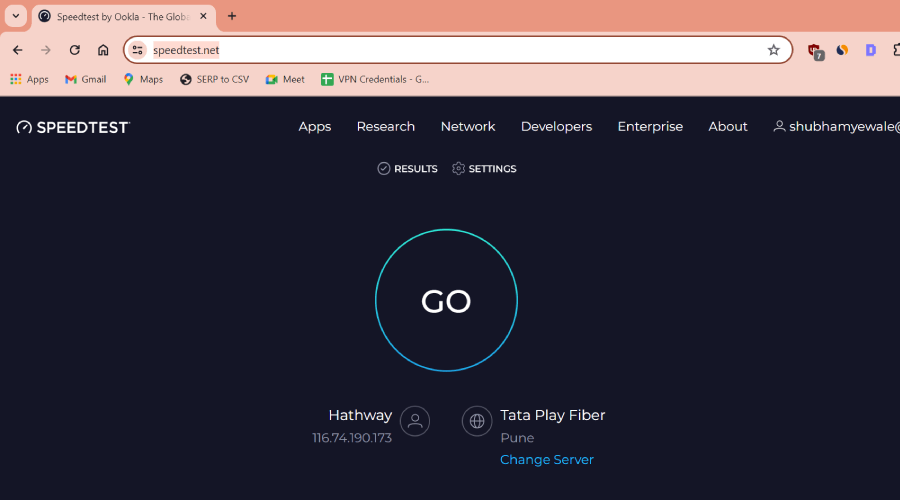
- Temporarily disable any firewall or antivirus software that may block the VPN or game.
Why it works: Slow or unstable internet can trigger LE-52 errors and disconnects, even without a VPN. Restarting your modem or router refreshes your connection and clears potential conflicts.
3. Connect to Your VPN Before Launching the Game
How to do it:
- Open your VPN and connect to a server near your desired game server region (for example, Germany for EU West).
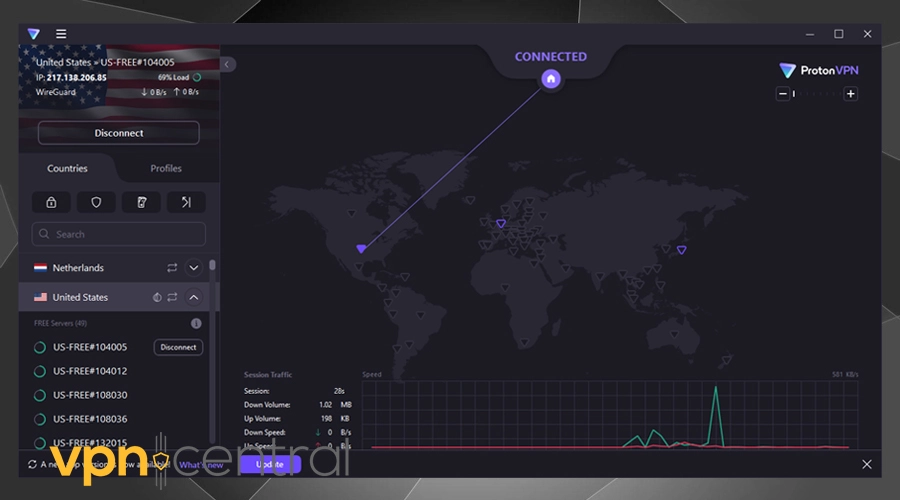
- Launch Last Epoch after your VPN is fully connected.
- Only pause or disconnect the VPN after you’re fully in the game.
Why it works: Connecting to the VPN first ensures your game sees a stable IP address from the start. This avoids errors like “lost connection” or infinite loading when the VPN reconnects midway through the game.
4. Use Split Tunneling for Both Steam and Last Epoch
How to do it:
- Enable split tunneling in your VPN app.
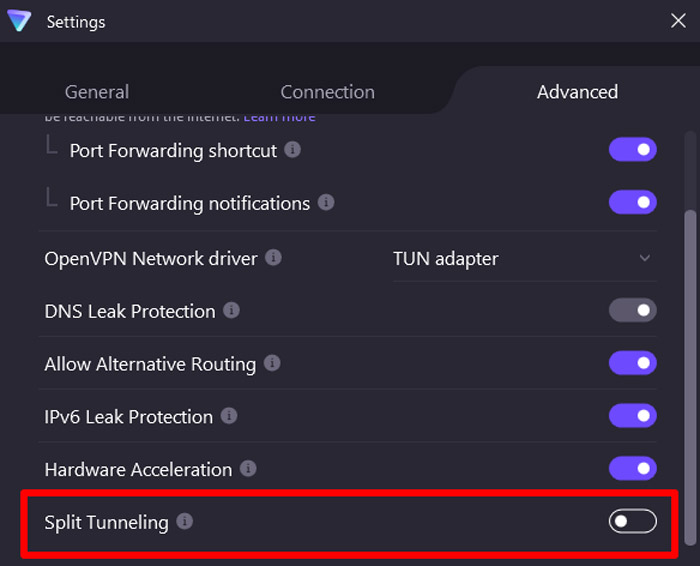
- Add Steam and Last Epoch to the list of apps that use the VPN.
- Launch both apps normally.
Why it works: Split tunneling lets you choose which apps use your VPN. Some people try excluding the game entirely, but the trick is to exclude both Steam and Last Epoch. This works if you use VPN for other apps while gaming. If, on the other hand you NEED the VPN to work while gaming, make sure both Steam and Last Epoch are routed through the VPN.
This setup keeps your connection steady while other apps can access the web through the VPN. For another example of split tunneling in action, check this UMA Musume VPN guide.
5. Switch VPN Protocols
How to do it:
- Open your VPN settings.
- Switch to UDP, WireGuard, or IKEv2.
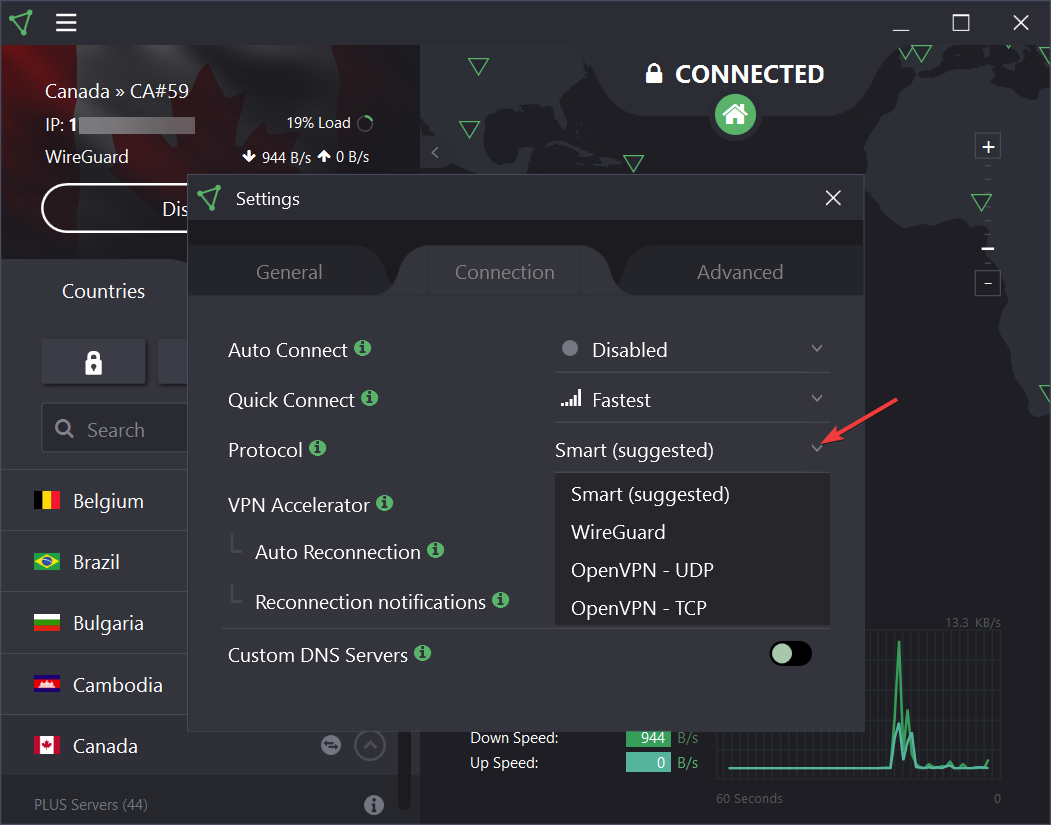
- Restart Last Epoch and test your connection.
Why it works: Some VPN protocols are simply better for gaming. UDP and WireGuard transmit data faster and more efficiently than TCP, reducing packet loss and lag. Switching protocols can instantly fix connection delays or timeout errors.
6. Use Obfuscated VPN Servers
How to do it:
- Enable obfuscated servers if your VPN supports them.
- Connect and launch Last Epoch to test the connection.
Why it works: Obfuscated servers disguise VPN traffic as regular internet data, which helps bypass restrictions that cause infinite loading or disconnections. NordVPN users, for example, report that switching to obfuscated servers fixes long loading times, though it may take a few seconds longer to log in.
7. Try a Different VPN Provider
How to do it:
- If your current VPN keeps failing, test another provider such as ProtonVPN or Mullvad.
- Connect to a nearby server and relaunch Last Epoch.
Why it works: Not every VPN plays nice with Last Epoch. Some providers handle game traffic better, avoiding the infinite loading screens.
Switching VPNs can solve the problem entirely. For a similar issue in another game, see this Helldivers 2 VPN troubleshooting guide.
8. Reinstall Last Epoch
How to do it:
- Uninstall Last Epoch from Steam.
- Reinstall the latest version.
- Try launching it while connected to your VPN.
Why it works: Corrupted or outdated files can cause extra network conflicts. A clean reinstall ensures you’re running the latest version with proper server authentication.
Best VPNs for Last Epoch
Not all VPNs handle Last Epoch traffic the same way. Choosing the right one can make a huge difference in stability, speed, and overall gameplay experience.
1. ProtonVPN
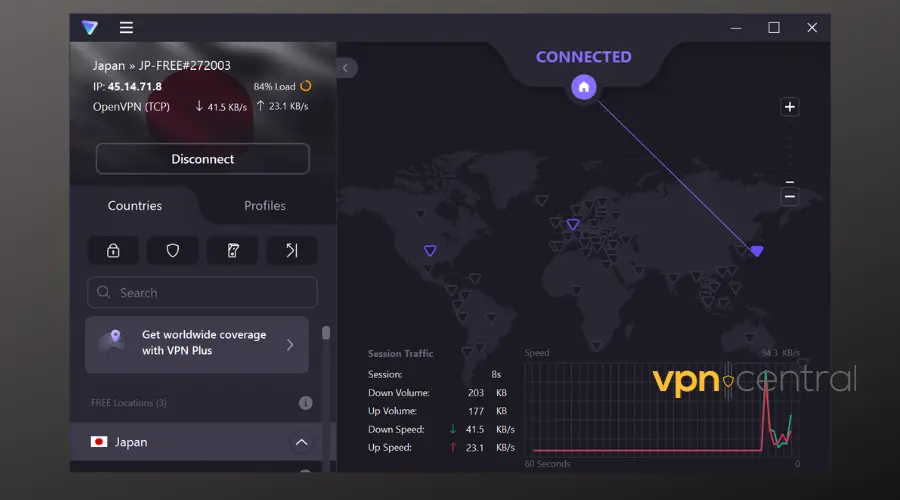
- Why it’s good: Rarely causes infinite loading, works well with split tunneling, and supports multiple protocols like WireGuard for fast gaming.
- Best for: Players who want a hassle-free VPN that just works with Last Epoch and other Steam games.
2. Mullvad VPN
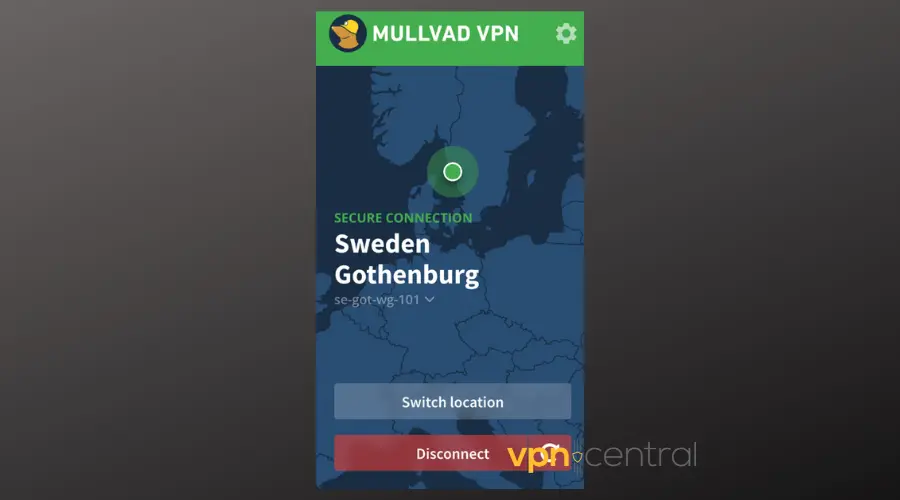
- Why it’s good: Simple, fast, and stable with minimal setup. Handles Last Epoch traffic without extra configuration.
- Best for: Those who prioritize privacy and speed without extra features.
3. NordVPN (with Obfuscated Servers)
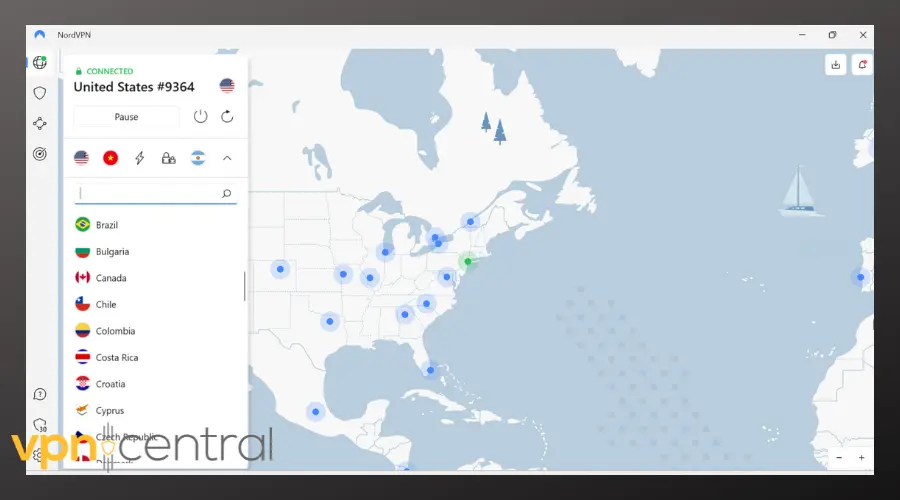
- Why it’s good: Works well if you use obfuscated servers and split tunneling. Otherwise, it can cause loading issues.
- Best for: Players already subscribed to NordVPN who don’t mind a few extra configuration steps.
Pro tip: Always connect to a VPN server close to your Last Epoch region to reduce ping and avoid packet loss. Using split tunneling to route only Last Epoch and Steam through your VPN is a game-changer for stable gameplay.
Why VPNs Can Cause Problems with Last Epoch
Last Epoch is a fast-paced ARPG set in Eterra, running on servers across North America, Europe, Asia, South America, and Oceania. VPN issues usually come down to:
- Network routing issues: Your VPN might send your connection through a server far from the game servers, causing high ping, packet loss, or dropped connections.
- Protocol problems: Some VPN protocols don’t handle gaming traffic well. UDP or WireGuard is usually better than TCP.
- Firewall or router interference: VPN traffic can get blocked or slowed by network settings.
- Server mismatch and store region quirks: If your VPN IP doesn’t match the region your character is on, the game may fail to load. Some people also use VPNs to access different storefronts or to buy games in other regions — here’s a guide on how to buy Steam games from another country and a look at the cheapest Steam games by country for reference.
Symptoms include being stuck on the loading screen, repeated disconnections, lag spikes, characters not loading, and errors like LE-52. Also watch for Steam-side messages — Steam sometimes blocks VPN traffic and shows a Steam “please disconnect VPNs or proxies” error, which will prevent login until you clear it or switch settings.
Conclusion
VPNs can be both a lifesaver and a headache for Last Epoch players.
They help reduce lag, protect privacy, and give access to different regions, but if misconfigured, they can block online play altogether. By following these fixes and understanding why each step matters, you can get your VPN and Last Epoch working smoothly again.
FAQ
It usually happens because the VPN server changes your IP after the game starts, or the VPN protocol interferes with Last Epoch’s authentication. Connect to your VPN first, then launch the game to prevent this.
Yes, as long as your VPN connection is stable and the IP doesn’t change mid-session. Stick with providers like ProtonVPN or Mullvad for best results.
Steam doesn’t ban VPNs for normal use, but using them to buy cheaper games can violate terms of service. Learn more in this guide on Steam VPN restrictions.
It’s a connection error that often appears when your VPN interferes with game authentication or your network drops packets. Fix it by checking your connection and switching to a VPN protocol like UDP or WireGuard.


Read our disclosure page to find out how can you help VPNCentral sustain the editorial team Read more


Improve this guide


User forum
0 messages